
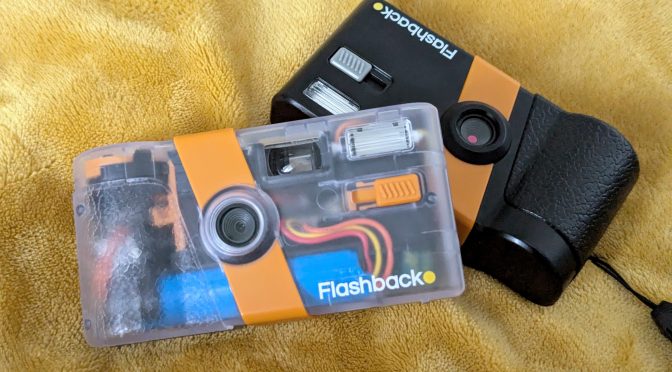
Launched on Kickstarter in 2023, the original Flashback ONE35 promised disposable film camera feel in a reusable digital format. It has been one of the unique screenless Lo-Fi cameras launched although it has had some teething problems. And now it’s back with a new improved Flashback ONE35 V2 and perhaps as importantly better app.
A front end disclaimer here. The kind folk at Flashback sent me this camera to try. That’s despite me seriously originally trashing the original. I did also award that camera the most improved camera of 2024 when issues were ironed out however. I’m not paid to write this and Flashback have had no editorial control. I have previously tested filters for Camp Snap (again not paid to do so). The view represented are my own.
The tl:dr
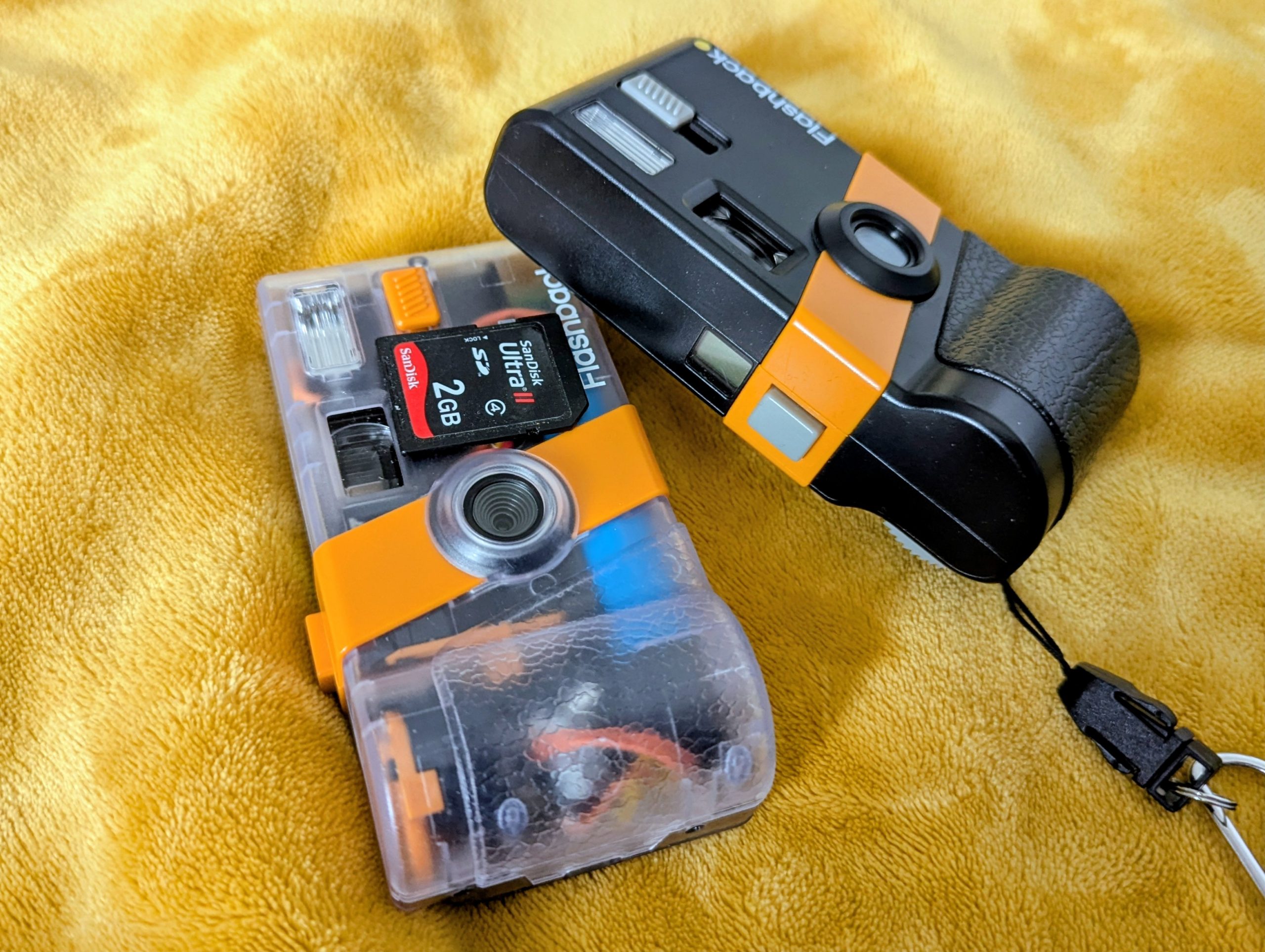
Flashback is back with the V2. Superficially it’s the same camera. They’ve kept the same design and class leading build quality. You still get 27 shots before you have to reload via the app but that can now happen by various ways including cable and the wait to have your photos developed is now optional. The 6 non customisable filters are still class leading and you can even reprocess your roll in another film filter which is just phenomenal. Image quality is broadly improved. It feel less like a disposable more like a reasonable lo-fi film camera like the VUWS. Nothing else feels as close to film in the Lo-fi class at the moment.
Once upon a time there was a Kickstarter….
The original flashback ONE35 (which I’ll call V1 for ease) arrived when lo-fi screenless digitals started to take off. Paper Shoot were finally getting known outside Asia, Camp Snap had transcended from kids camear to the darling of photogs.
But Flashback offered a more unique experience. It promised a film like experence from winding on between the limited 27 shots before you has to upload your “film” for development via an App. And although it did have some teething issues the camera and app rapidly improved. It won my most improved camera award in 2024 and has proved to be a delightful niche camera.
It really did provide a film like experience on many levels and produces images that you would struggle to delineate from a disposable.

So why the V2 ?
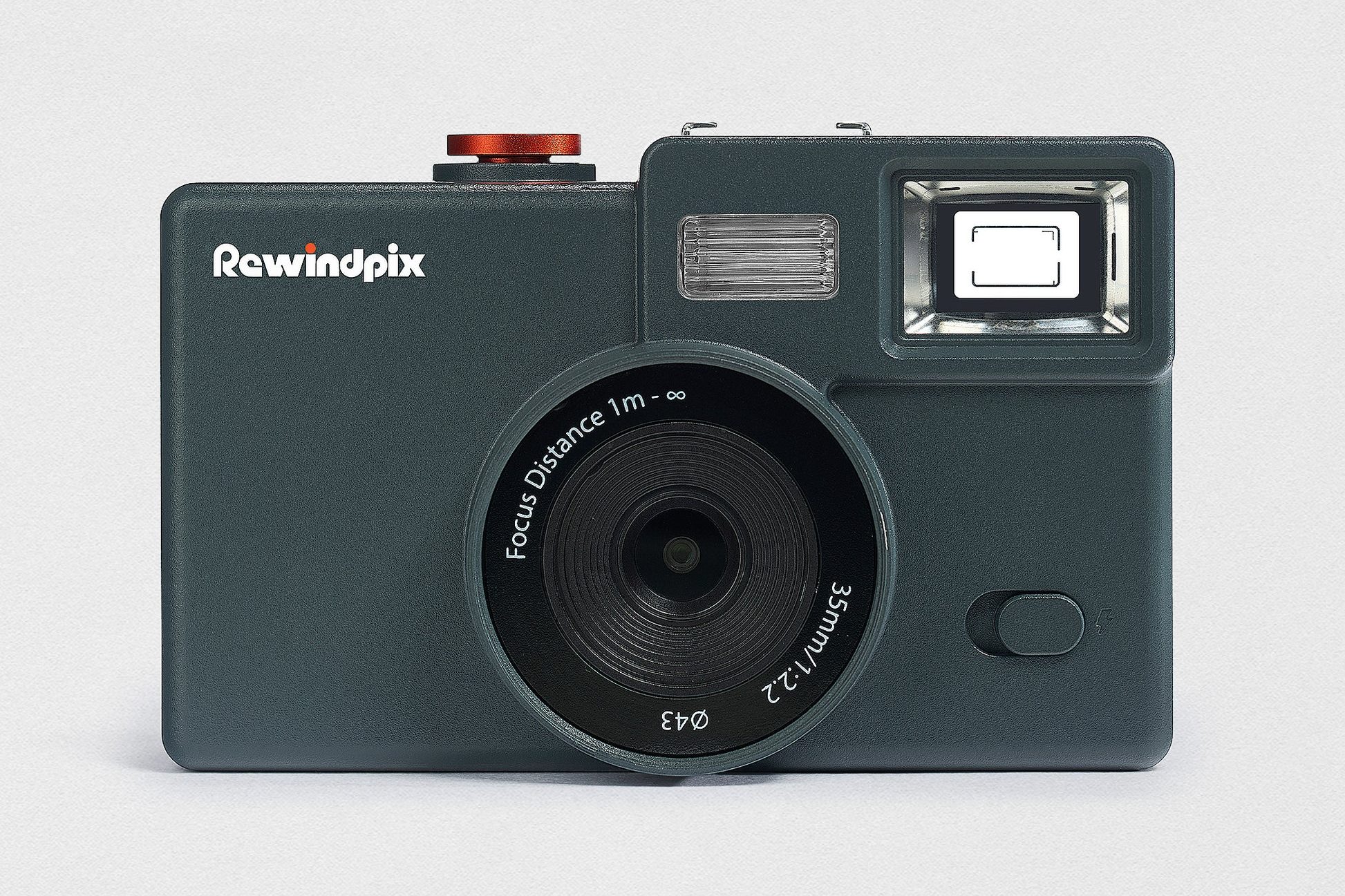
The market has rapidly moved on and there have been rivals. 2025’s EchoLens and the imminent Rewindpix having very similar feature. Both have a limited shots (in some modes), film style simulations and the need to manually advance the camera. Echolens just couldn’t match the film like images although it’s user customisation for filters is impressive. Rewindpix remains the great dark horse of 2026
But the folks at Flashback have been beavering away. Both the camera the App have been overhauled but not in a radical way. The app is frankly now fantastic (with a few issues) whether you have the new V2 or a V1
So what does the FlashBack ONE35 V2 bring to the table ?
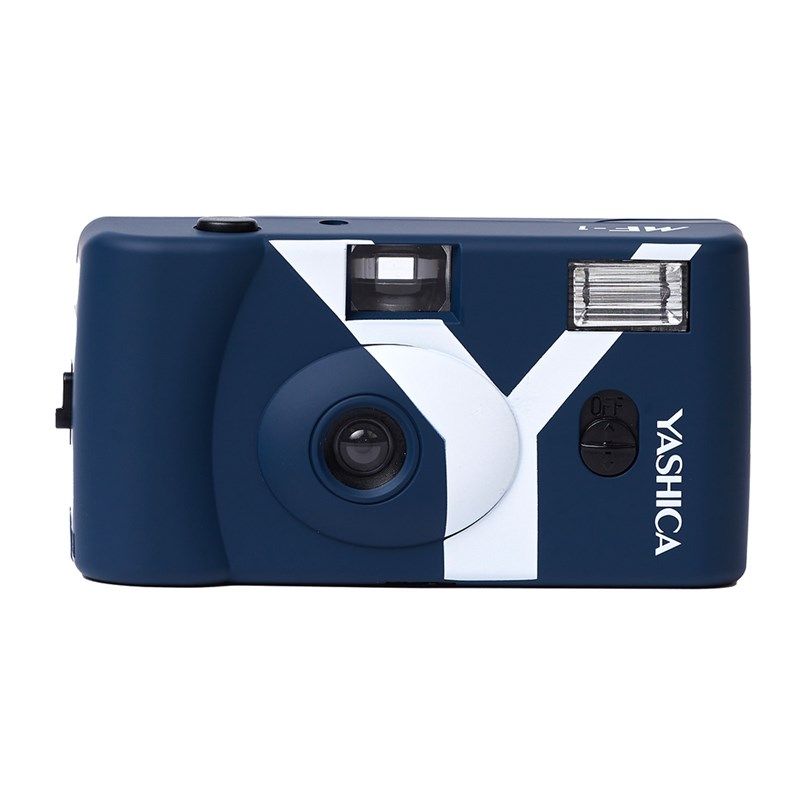
The camera itself looks & feels identical to it’s predecessor. Which is no bad thing. The V1 was an incredibly well designed camera looking & feeling like a solid budget camera circa 1990’s. Weirdly the more recent Yashica MF-1 reusable film disposable has similar footprint (although it’s flimsy ++).
The only give away for both the V1 and the V2 are digital is the USB-C charge point. Like the V1 it is extremely eco-friendly packed and comes just with a USB cable set. There is no difference difference externally but there are 3 new body colour choices.
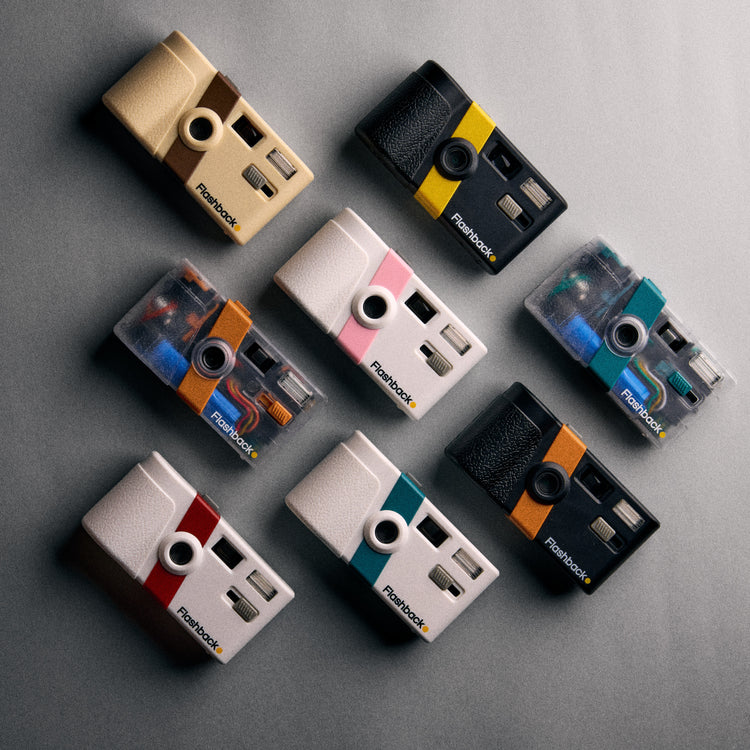
We’ve still got the 4 classic black and white models. But they’re joined by 2 transparent models (very en pointe) and the new brown one (called the coffee/cream). The nice folk at Flashback sent me the transparent model. I’d usually go black (as my V1 is) but it was a pleasant surprise
They’re extremely well made, solid cameras. The best built in the screenless digital cameras by far. They feel quality although still predominately plastic they have a feel of robustness that nothing else has in the class. It’s like picking up my Nikon D7000 from a build POV.
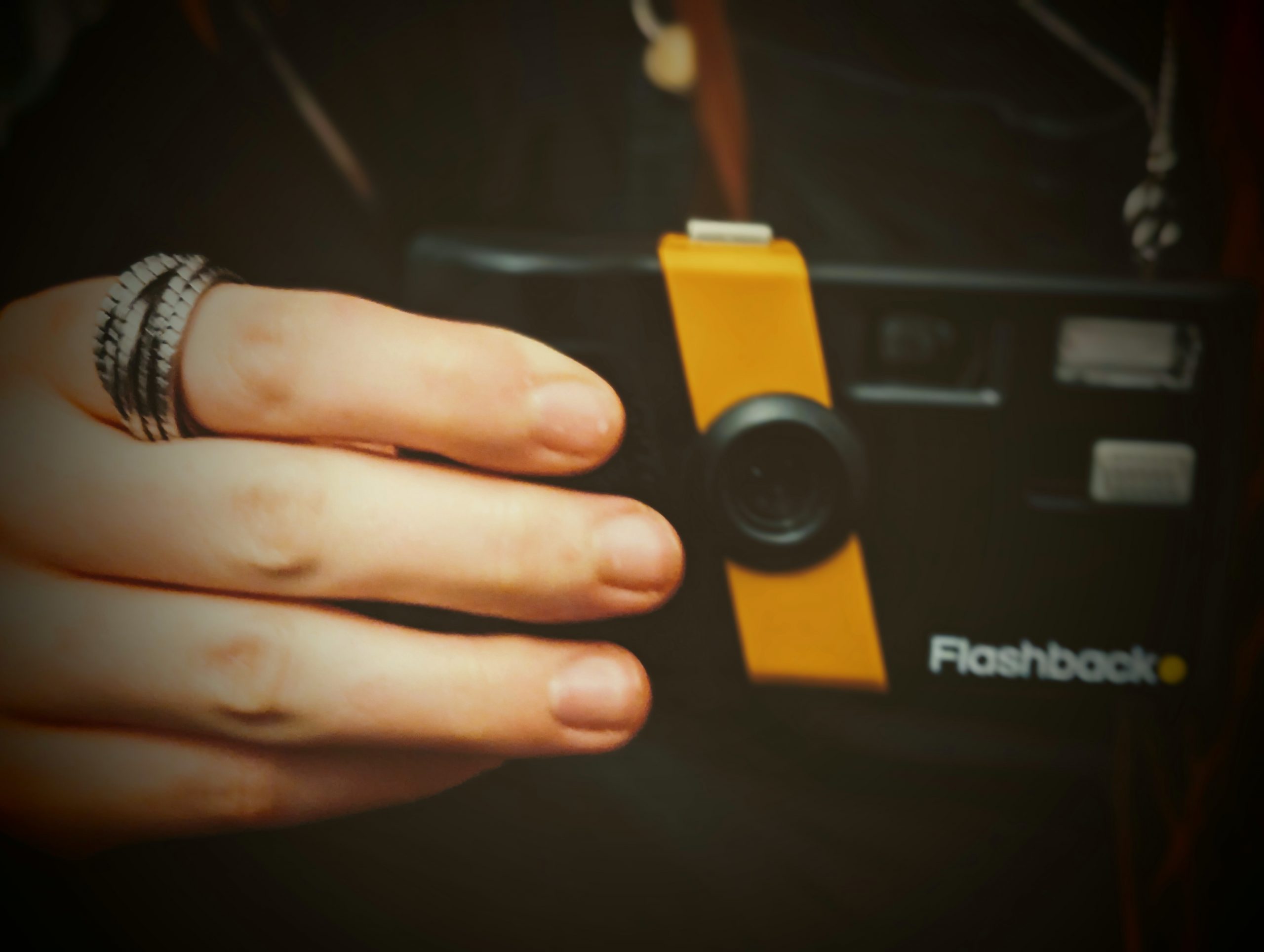
The only issue with this body style is the grip and lens distance . It’s easy to get your meaty digits in shot.
-Big changes under the hood
Superficially nothing has changed but underneath lots have. There’s an improved sensor now capable of 12MP images (4144x 3082 in 4:3 ratio). Flashback rightly indicate better dynamic performance as we’ll see later. The camera still ahs a Xenon flash and a built in battery. Mines arrived 74% charged and after over 100 photos still had a reasonable charge left. It only briefly was hooked up to my PC via it’s USB connection.
That hook up was because the USB-C no longer is just passive for charging only . It’s now intended to be used as a third method to connect the camera to your phone for photo upload and importantly your use the cable to access your images from the on camera storage.
Changes on the App now allow us to access EXIF Data, which is handy as it allows me to do some speculative diving
– Optics, aperture and sensor size
So the EXIF reads that we have a 3mm focal length camera with a fixed aperture of f/1.8. What’s really hand is that the same as a few other Lo-Fi digitals including the current Paper Shoot & Cappy Camera. It also shares approximately the same field of view. That’s bout the same as a 28mm full frame lens. This means we’ve likely 1/3″ sensor which might sound titchy but in this class is pretty much the norm.
We’re in mobile phone sensor here and not a high end one. That said a 1/3″ 1:1.8 actually offers pretty good depth of field. So assuming Flashback have centred the focal point at the hyperfocal distance (~1.25m) a theoretical acceptable focal range of 65cm to infinity. Or 2 ft to the horizon in old money. That of course involves pristine optics but as we’ll see not a bad ball park.
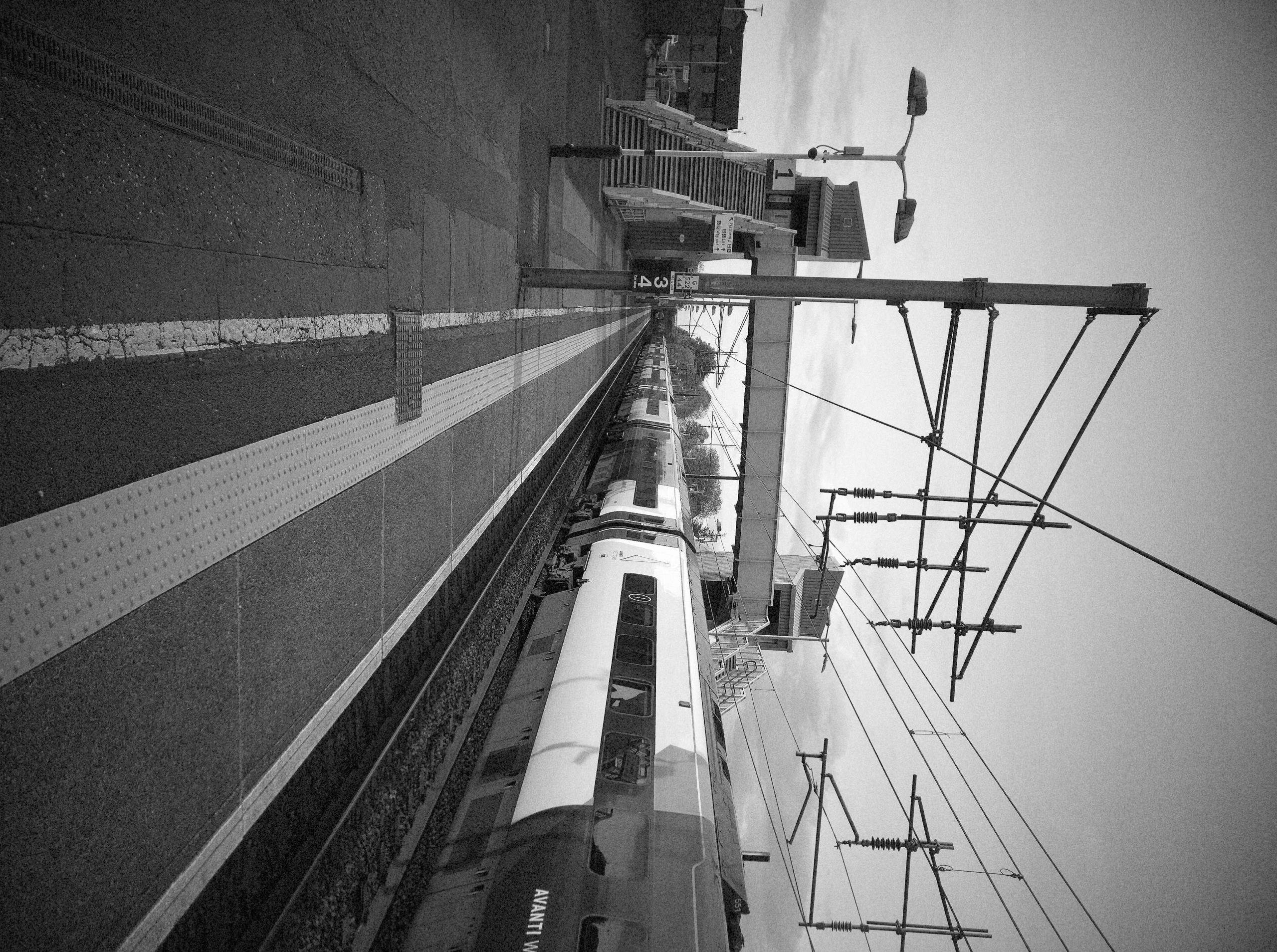
–Exposure specs
We can also gauge exposure ranges. That’s based on this photo taken straight at the sun and a photo in total darkness. Using those we can establish the following
- Aperture fixed – f/1.8
- Shutter speeds – 1/30 -1/8000 sec
- ISO – 100-1000 ISO (non stepping)
- EV 100 ISO equiv – 6.67 – 14.67
Again this is reasonable for the class. You might be mistaken in thinking the 1/30 limits things. But in fact it makes total sense . This camera gives you hardly any shake if held correctly. It does limit lo-light fun but that’s what the flash is for.
— RAW files
So camera stores images in the .dng RAW format on board. Ironically as this is an Adobe developed format, my photoshop couldn’t open it
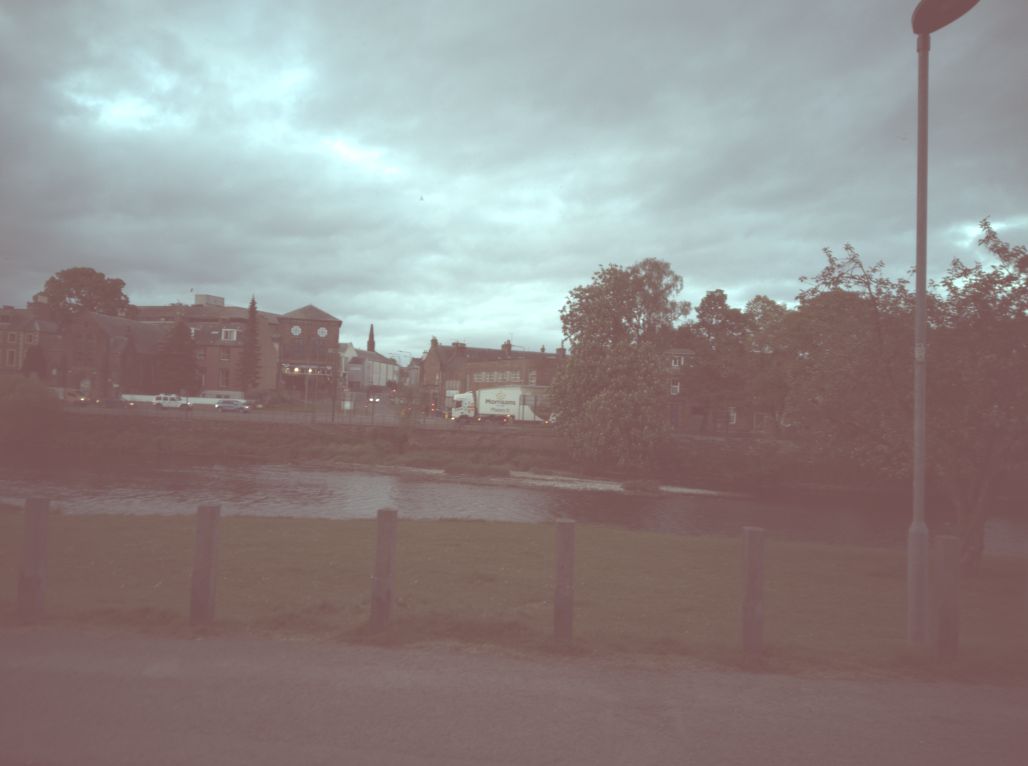
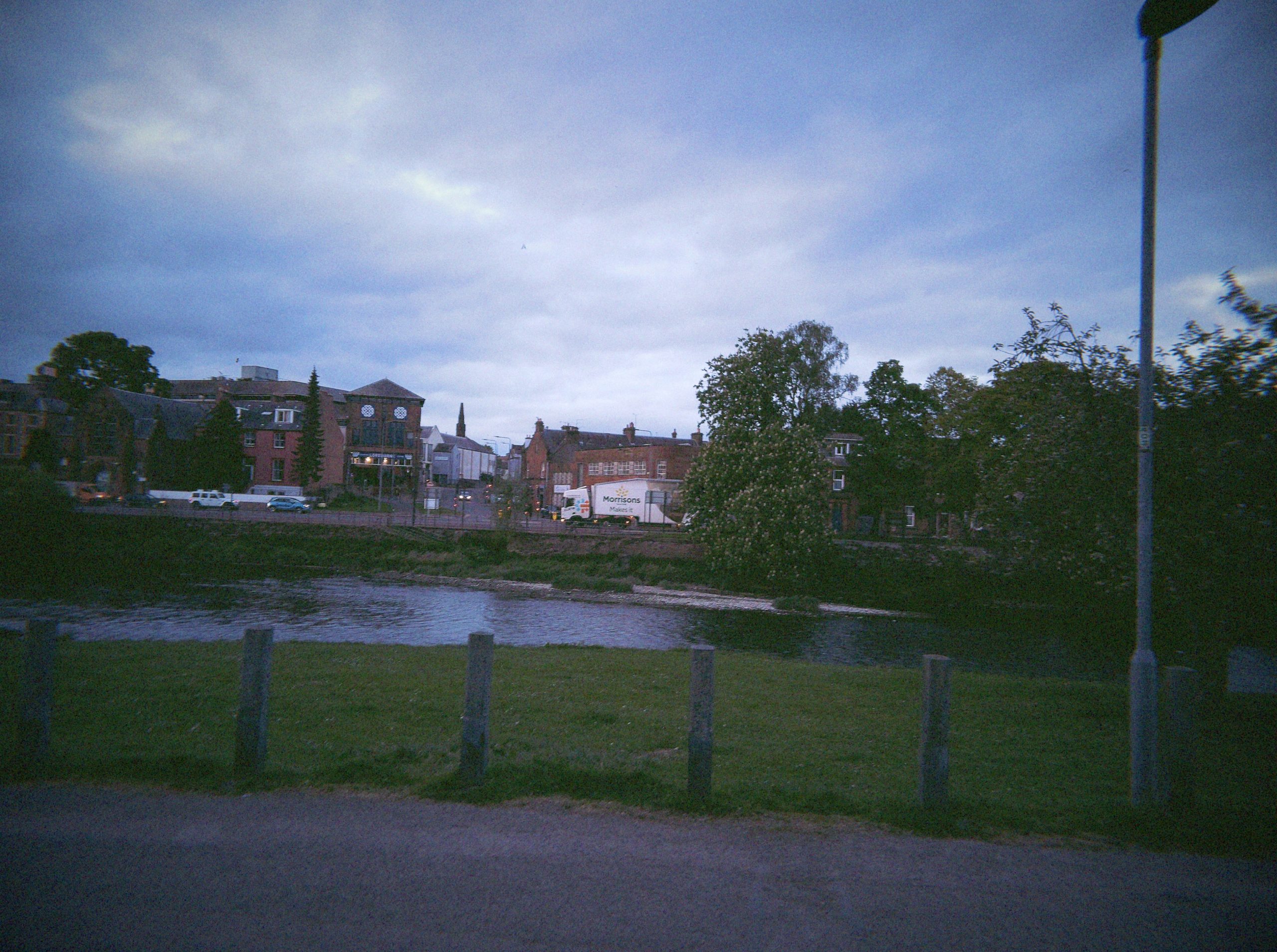
IrfanView & MS Photo could and clearly you need to do some work to get it useable. As you can see from the above comparison it’s a blurry foggy mess compared to final image. However if you just quick convert it to a jpeg, it does mean you get a extra hidden mode that produces images akin to cheap crap disposable. You just need to remember to copy the files over to your PC or phone via USB (without using the app) before uploading the files via the app.
The app
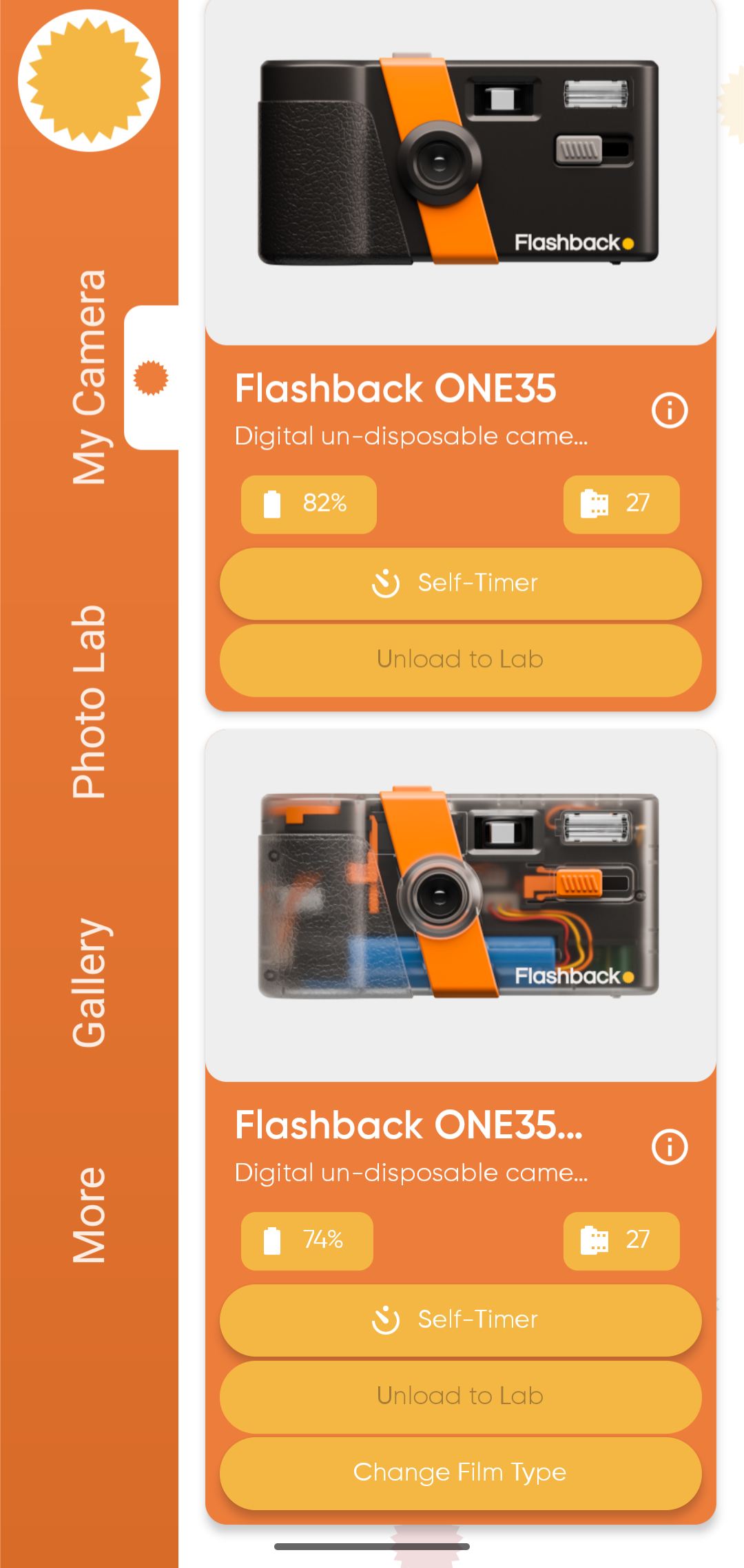
So the app has always been key to this camera. It’s available on both android and Apple app stores (I’m using Android on a Google Pixel 7). As per the older iteration of the app you connected your camera to the app and upload photos for “development”. Like the camera it hasn’t superficially changed.
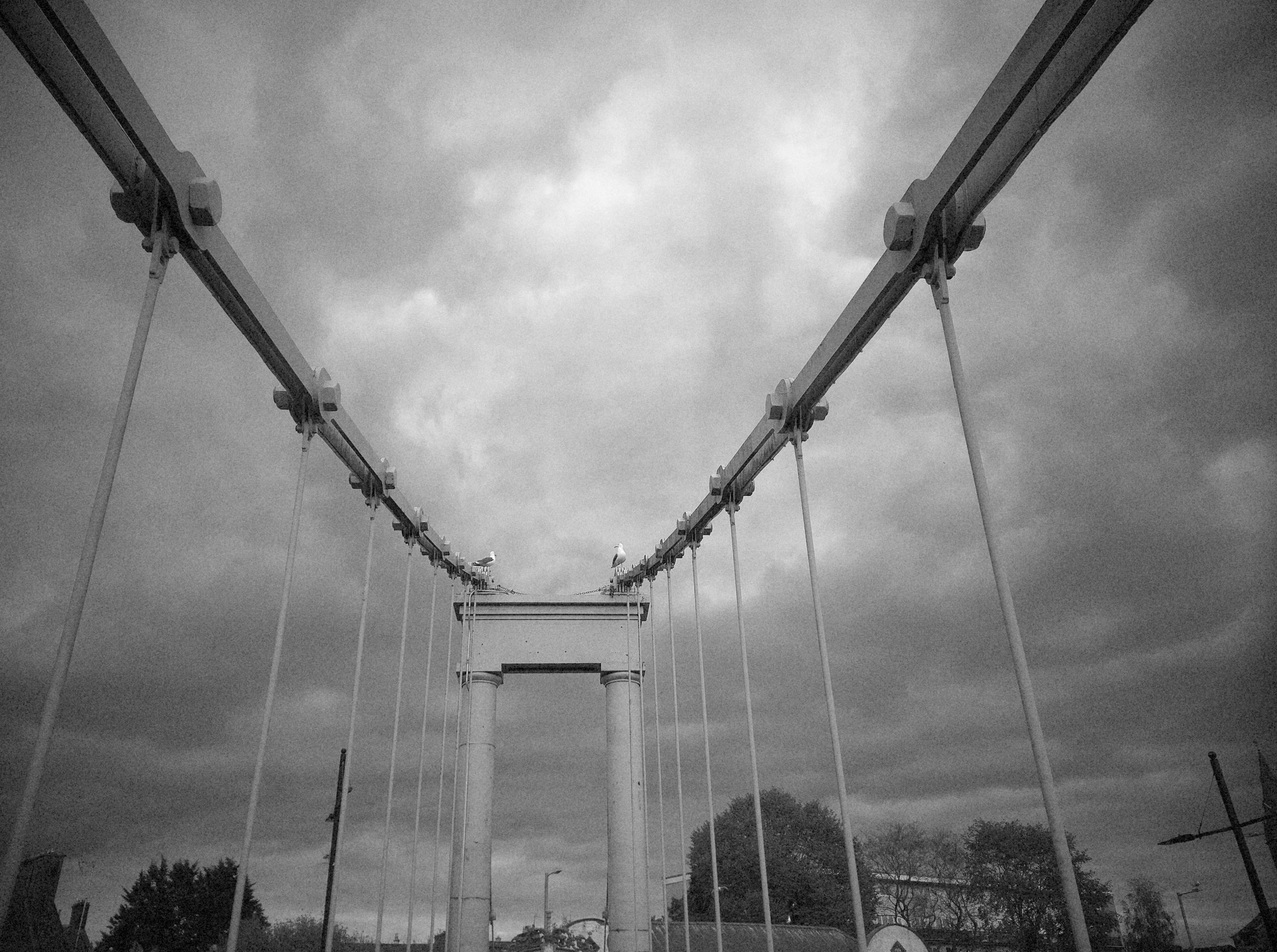
But boy are thing different.
Firstly You now have the option to upload images via USB-C as well as using wifi or direct connection. You still sometimes get issues with file uploads wirelessly with the app not recognising the camera for uploads (although seeing it in the menu). My tuppence solutions for being out and about are either set up your phone’s personal hotspot as an addition wifi connection in case of problems (works suprisingly well) or carry a USB-C cable. The USB method is a little clunky but works well
But there’s more
-Wait for development or go instant
Before you upload any films, I’d advise you to make this decision. Tucked in the more menu option of the app is an option called shooting mode. This has zero to do with shooting but a whole lot on how quick you get your images you. Digicam mode gives your images with their selected film time immediately on processing or you can choose film development and wait 24 hours if you need to cos-play film realism.
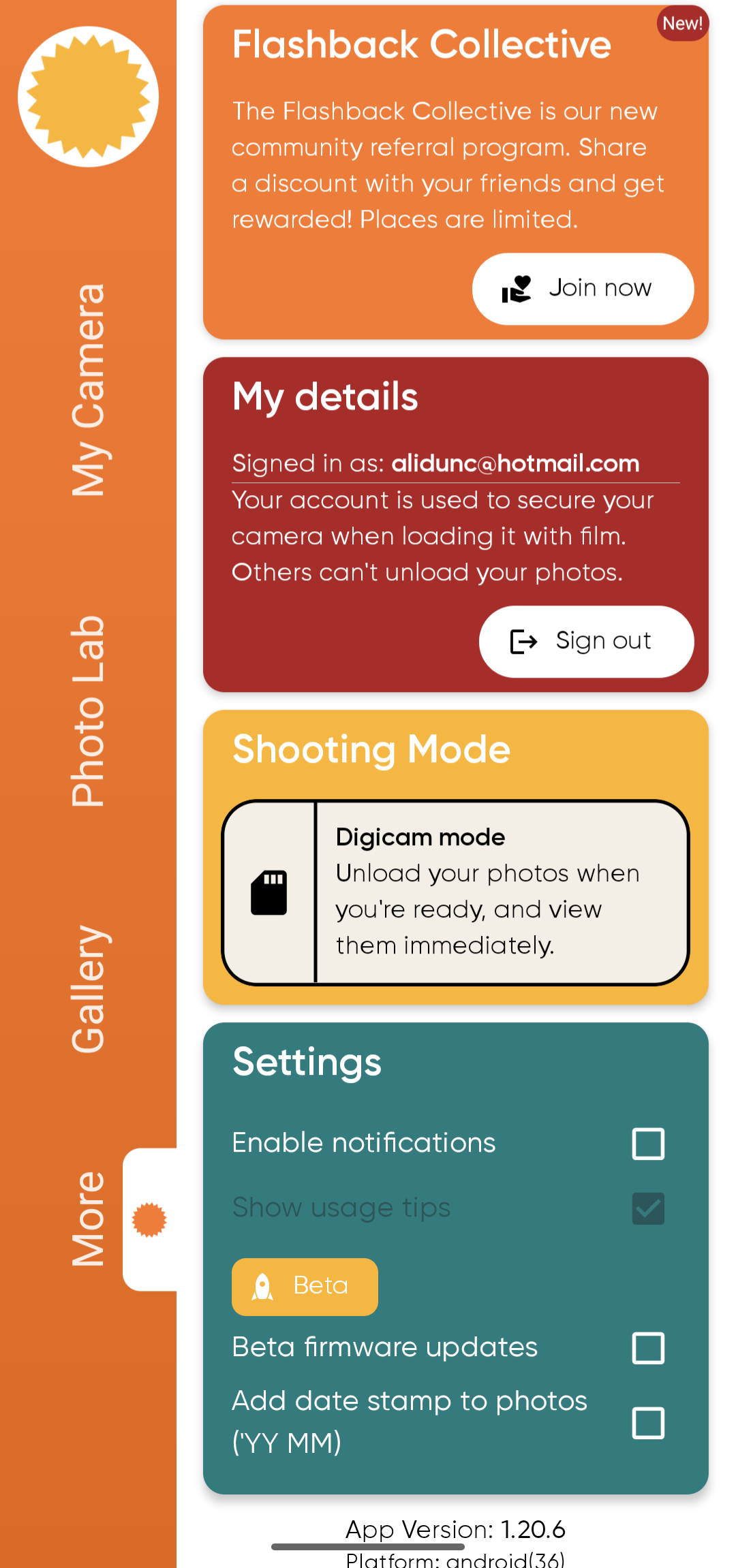
Big positive step forward but there’s another option which is frankly ground breaking
-Change your film type after shooting
We’ve all been there. shot a roll on colour and wished it was B&W or vice versa. Well with flashback you can now switch your film types in app.
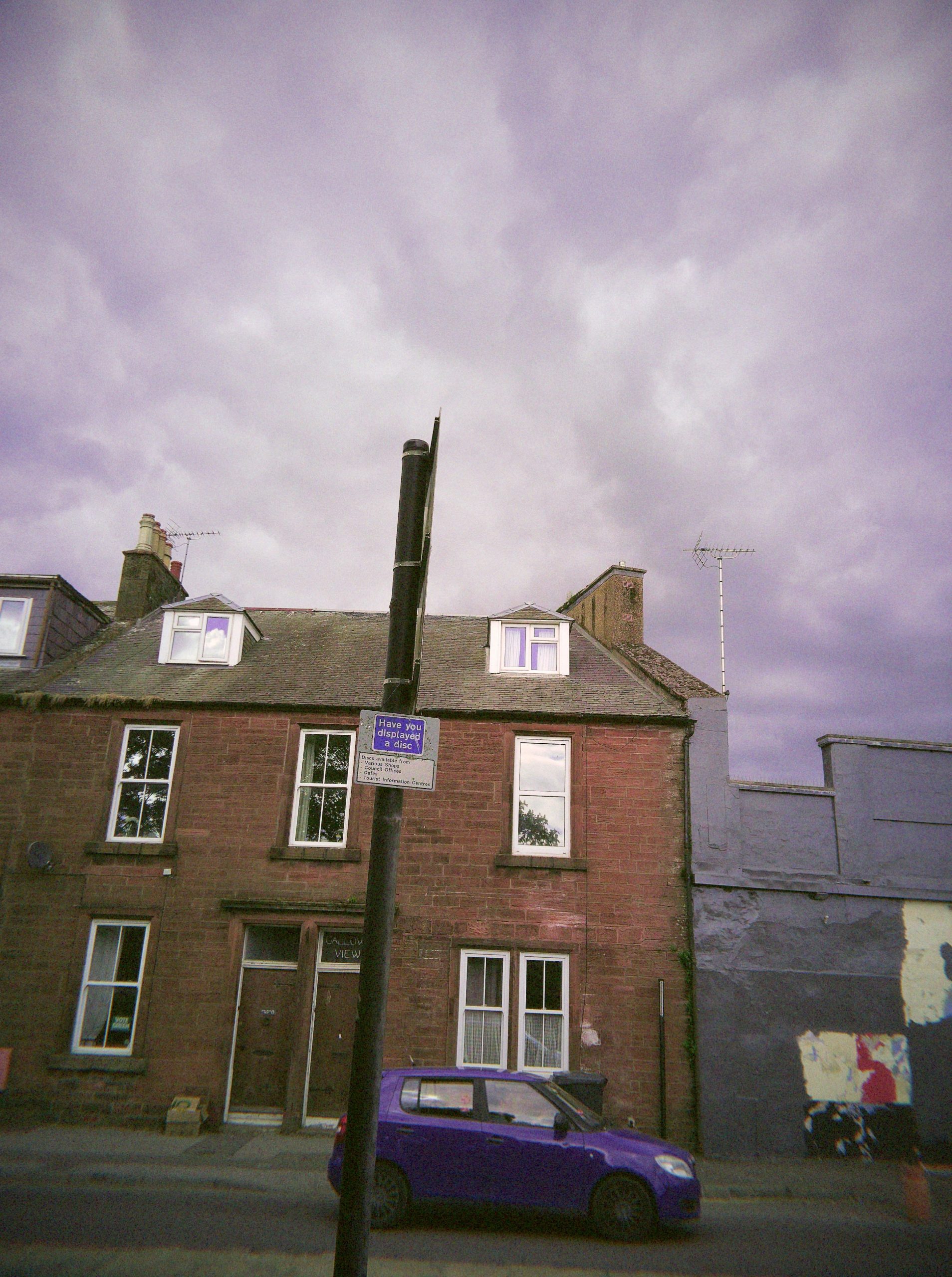
This even works with V1 images too. No other lo-fi digital I can think of offers this.
–So What film Types are there
The new camera currently has 6 film type simulations. Of those the first 4 are shared with the V1.
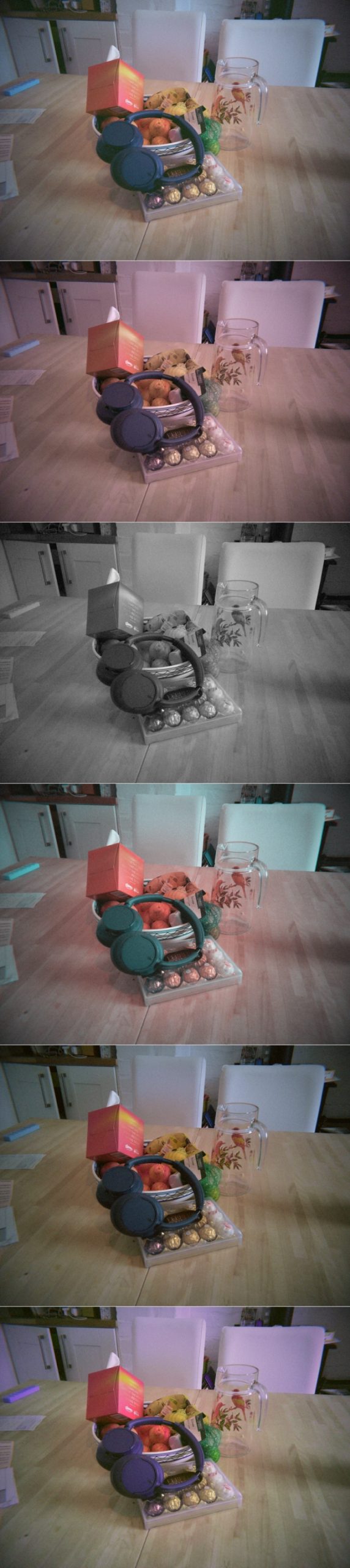
–The 6 filters
—Flashback Classic
The default.
It’s a typical standard filter as you can see from above. Most neutral of all of the filters colour wise . Although slightly blue predominant like the unfiltered images with some grain effect applied (more on image quality later). Think modern budget film
—Flashback Beta
Flashback Beta was the second one released for the V1. It has a slight pinky/red tone. Some liken it to a Fujifilm Pro H film and it feels more grainy than the classic
—Flashback B&W
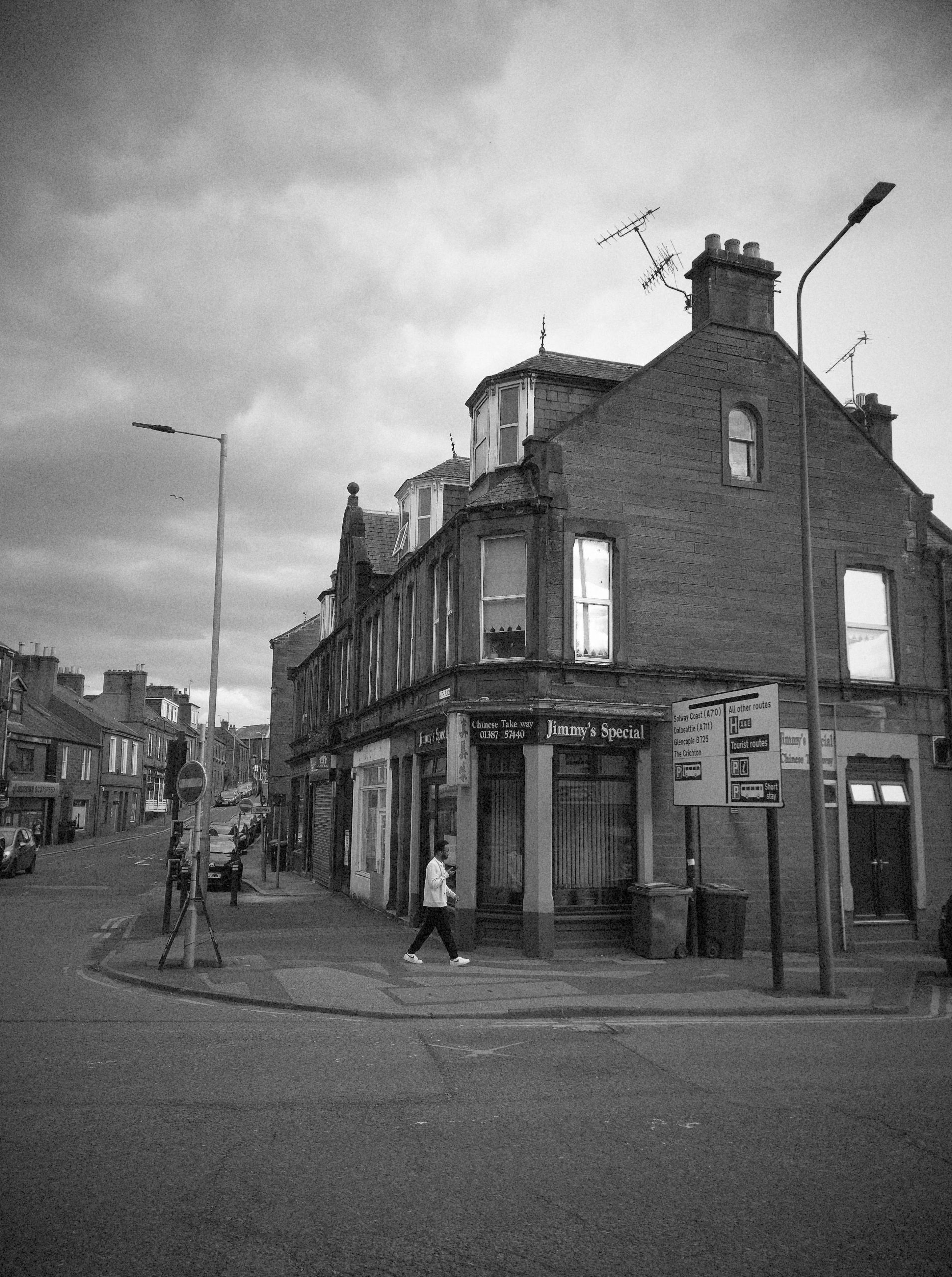
Flashback B&W is a typical mono option. It’s mid contrast which make sense and looks a bit grainy so bad choice. It has less noticeable distortions than the colour films types but they’re still there to less extent
—Flashback Cine
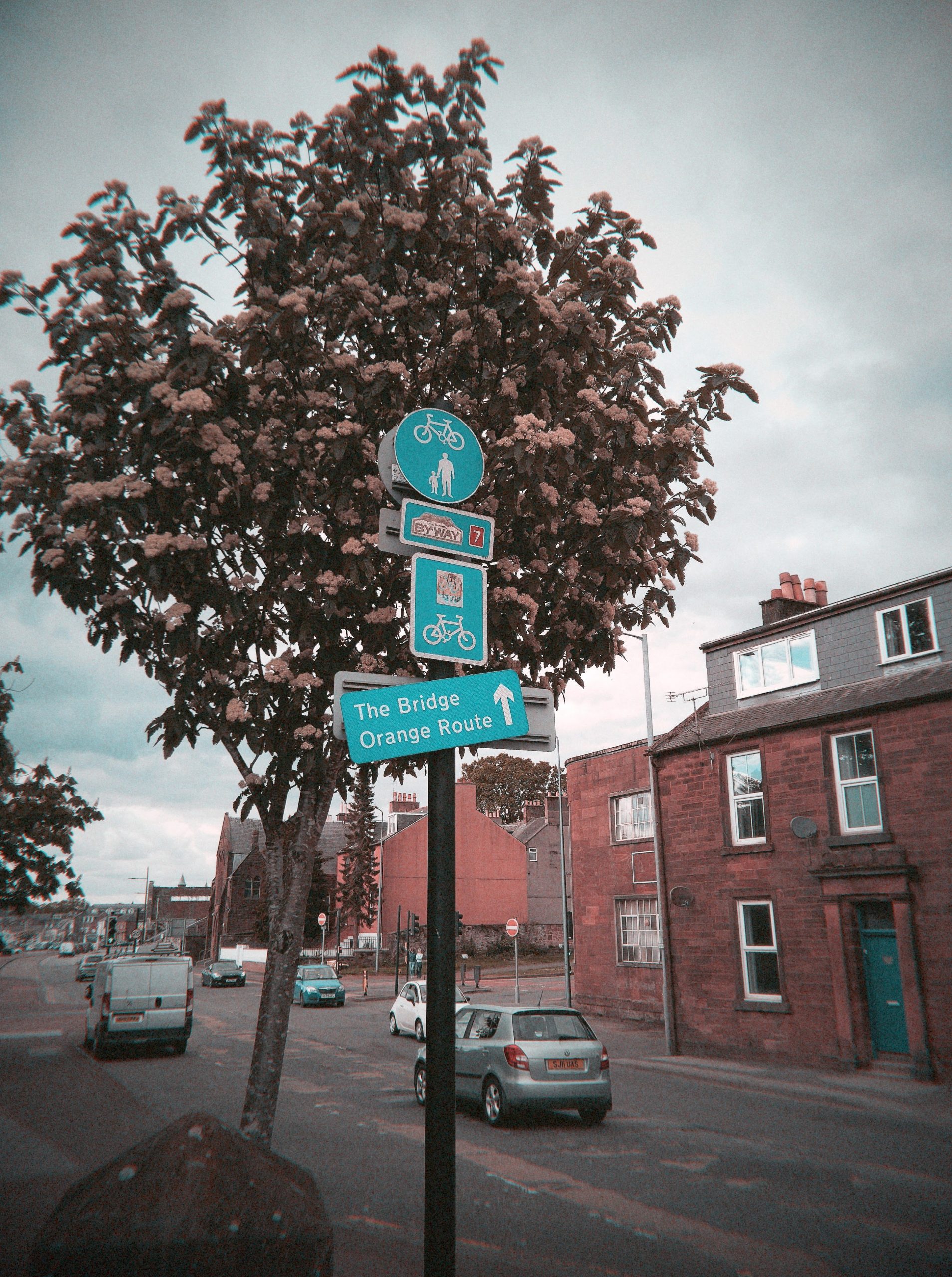
Flashback Cine was the last film to be made available for the V1. Flashback describe it as “Taking inspiration from Lomo Turquoise and Infrared films….has a distincitve teal-and-red look”. There’s a vague Tungsten film feel here when shooting
—Flashback Gold
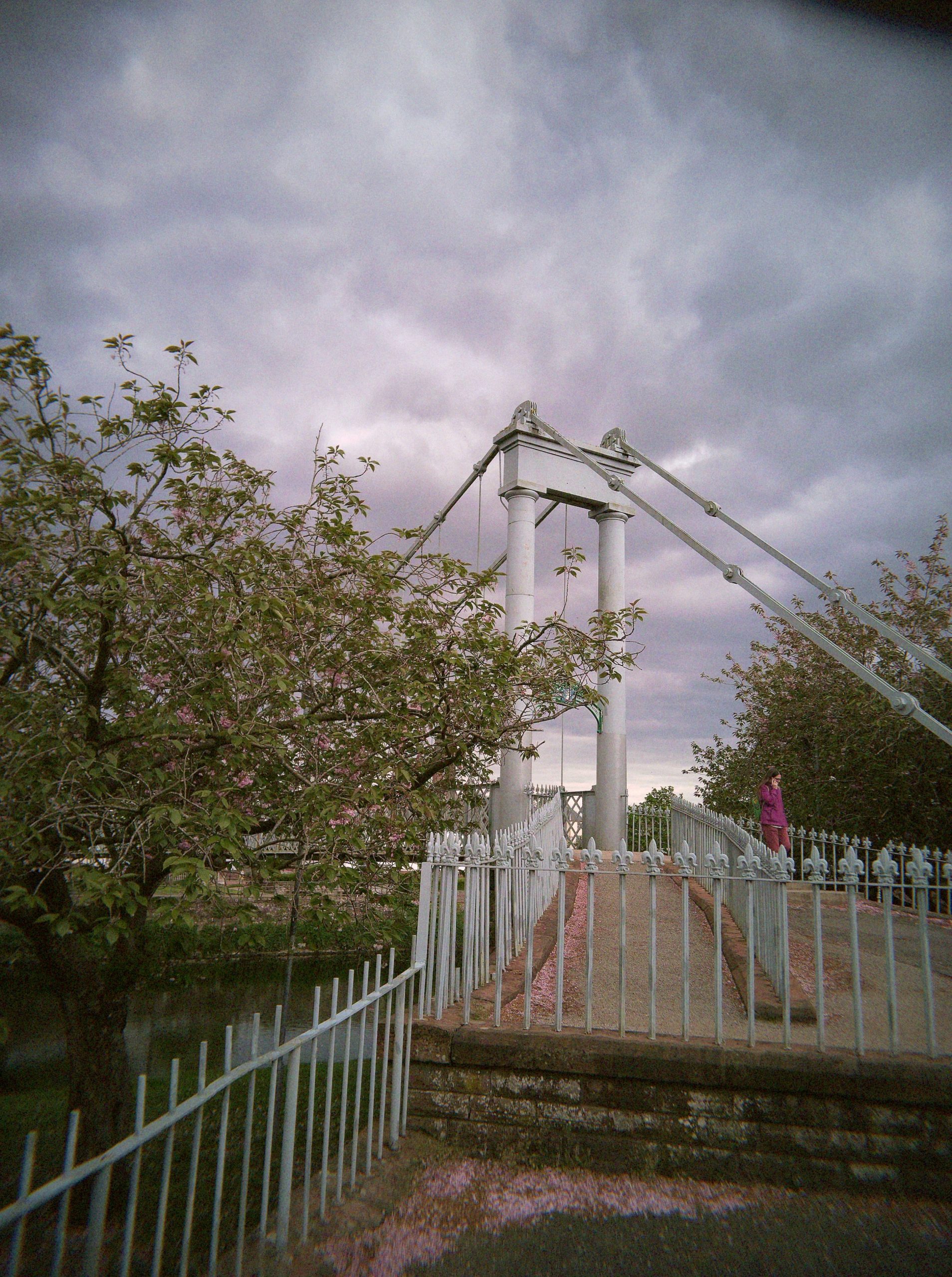
The two V2 exclusive film are a bit more straight forward. Flashback Gold is a hommage to Kodak Gold. it ups the saturation a little over the calssic filter. It’s subtle but different.
And finally we have Flashback Retrohaze….
This is as close to LomoChrome Purple you’ll get via lo-fi digital
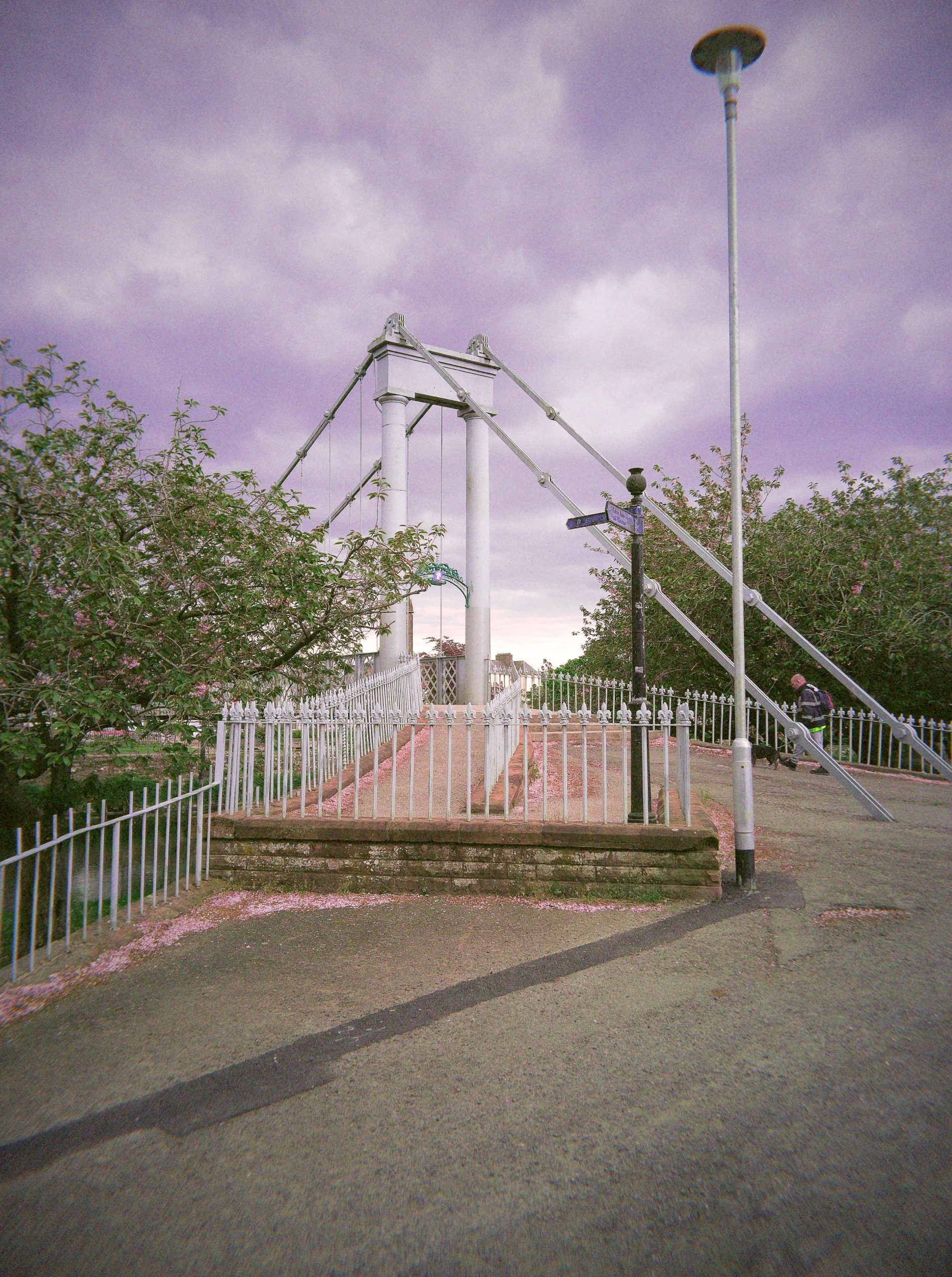
There may be more to follow but there is currently no user definable option as you get on the Echolens, Rewindpix and the Camp Snap models (via PC). that’s maybe not a bad thing however,
Oh and you can now access an unfiltered copy of your image called “negatives”
–Negatives ?
So these are unfiltered version. You need to upload you image for processing but the share button in gallery allows you to download the negatives from each roll via various share methods,
These are the actual images captured by camera and their strikingly from a clinical POV much more cleaner looking like a mobile phone shot. There’s a blue bias and reds are weak
Unlike the RAW files that need to be downloaded off the camera anytime this feature (currently beta so may disappear can be used anytime). It adds a third core version of how images look however. Sadly I can’t get it work with V1 images (you get files but I can’t open them)
Negatives also come with EXIF data. Not realistic handy for most but for a reviewer they’re gold mine. Like the final images you can access them at any point from the app,
Flashback ONE35 V2 in Use
Simply thumb wind the camera to boot up. The camera needs more winding to start than it does between shots. Mine arrived with about 75% charge on it and I’ve never actually charged the thing up but have managed to shoot over 100 shots. admittedly less than 10 have been with flash but it still shows about 50% charge which really isn’t bad
A small monochrome LCD on the top plate shows you number of shots remaining. Frame your shot and press the shutter. The mechanical click is reassuring and reliable and there is little lag. There is a werid winding noise when you hit the shutter as well and also once you start winding on. This is carried from the V1 and has likely something to do with the button press mechanism but I do wonder if at some point in the development they didn’t intend on having a mechanical wind feature and just left this in.
Flash is a simple slide switch and then wait for a Red LED on rear to appear.
The finder shows about 30-40% of the final image. This is better than quite a few cameras in the class but quite a jump if you’re used to a LCD, EVF or SLR.
-and getting your images ?
When you’ve taken some or all of your roll unless you want the RAW files turn the camera on and start the app. Once this set up and recognises your camera select a method to transfer photos (wifi, hotspot or cable)\ and up load your photos. Thsi takes a few minutes if Digicam mode is selected in setting the images will be available in a few moments otherwise you’ll need to wait 24 hours
From the gallery view you can eiher shre your images to your phone or select to do another processing film type (you don’t loose the orginal set). You can also download the filter free “negatives”
Results
I’m only going to spend serious time on the filtered images that flashback intended but I will touch on the negatives and raw files.
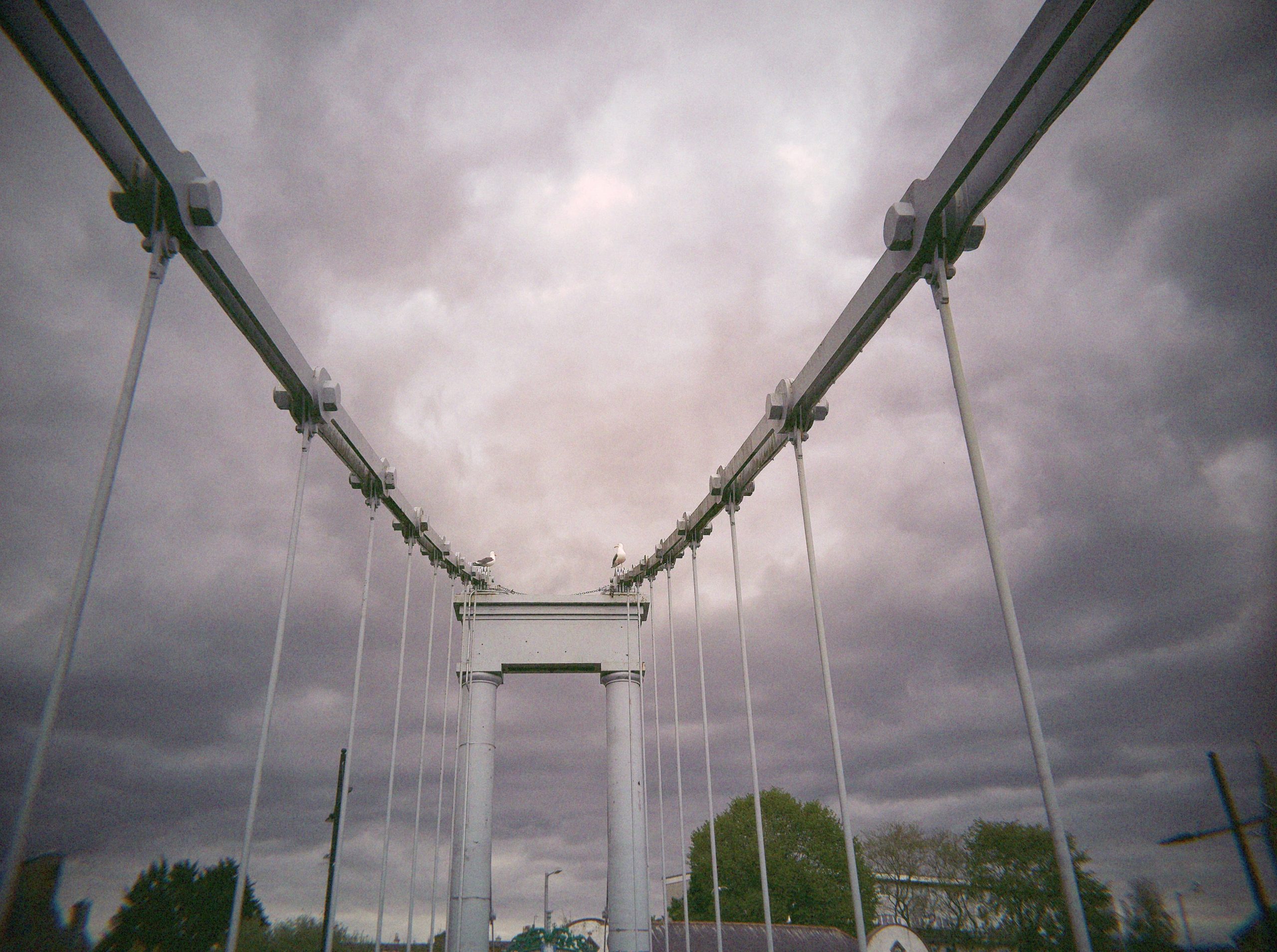
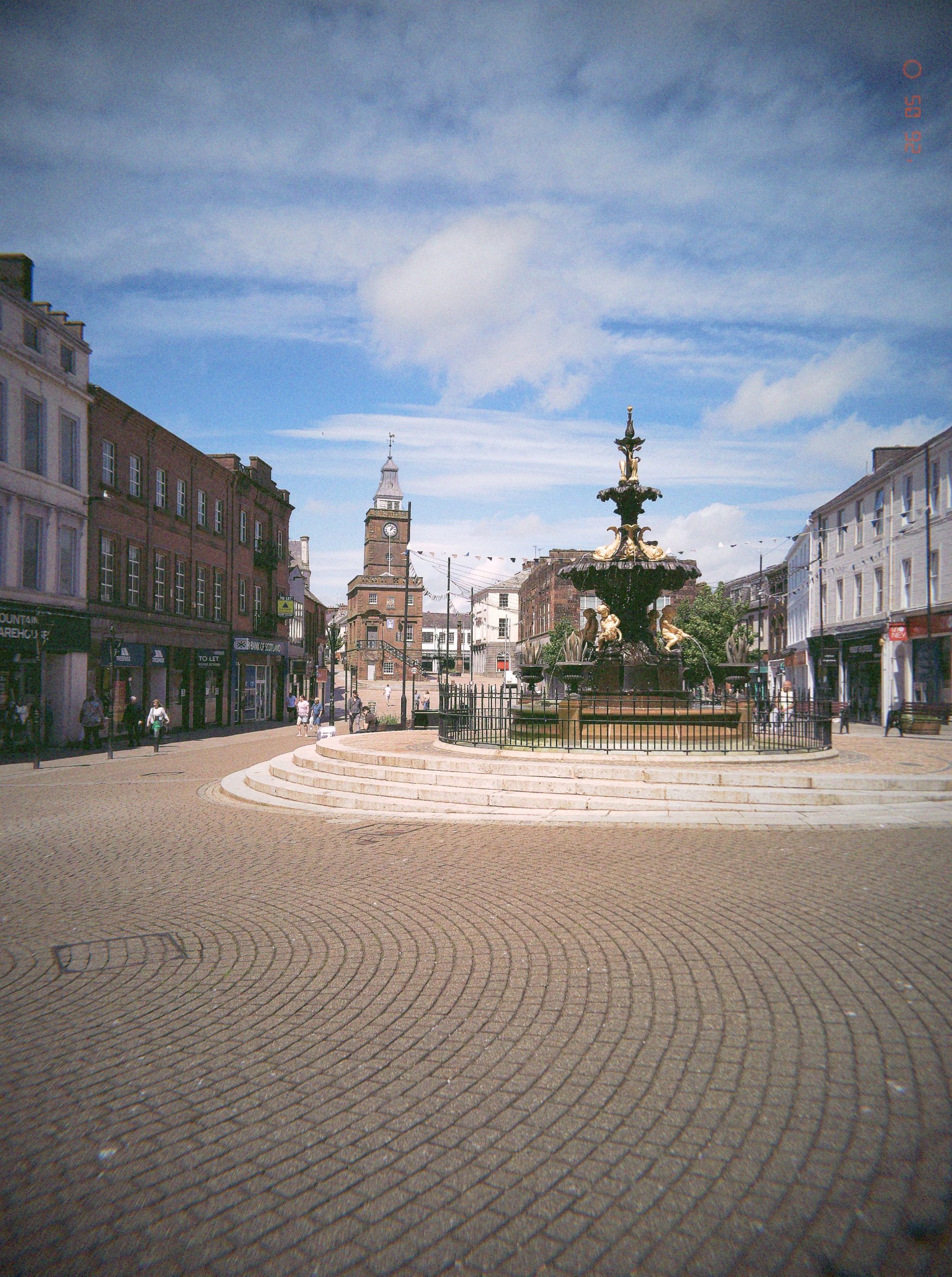
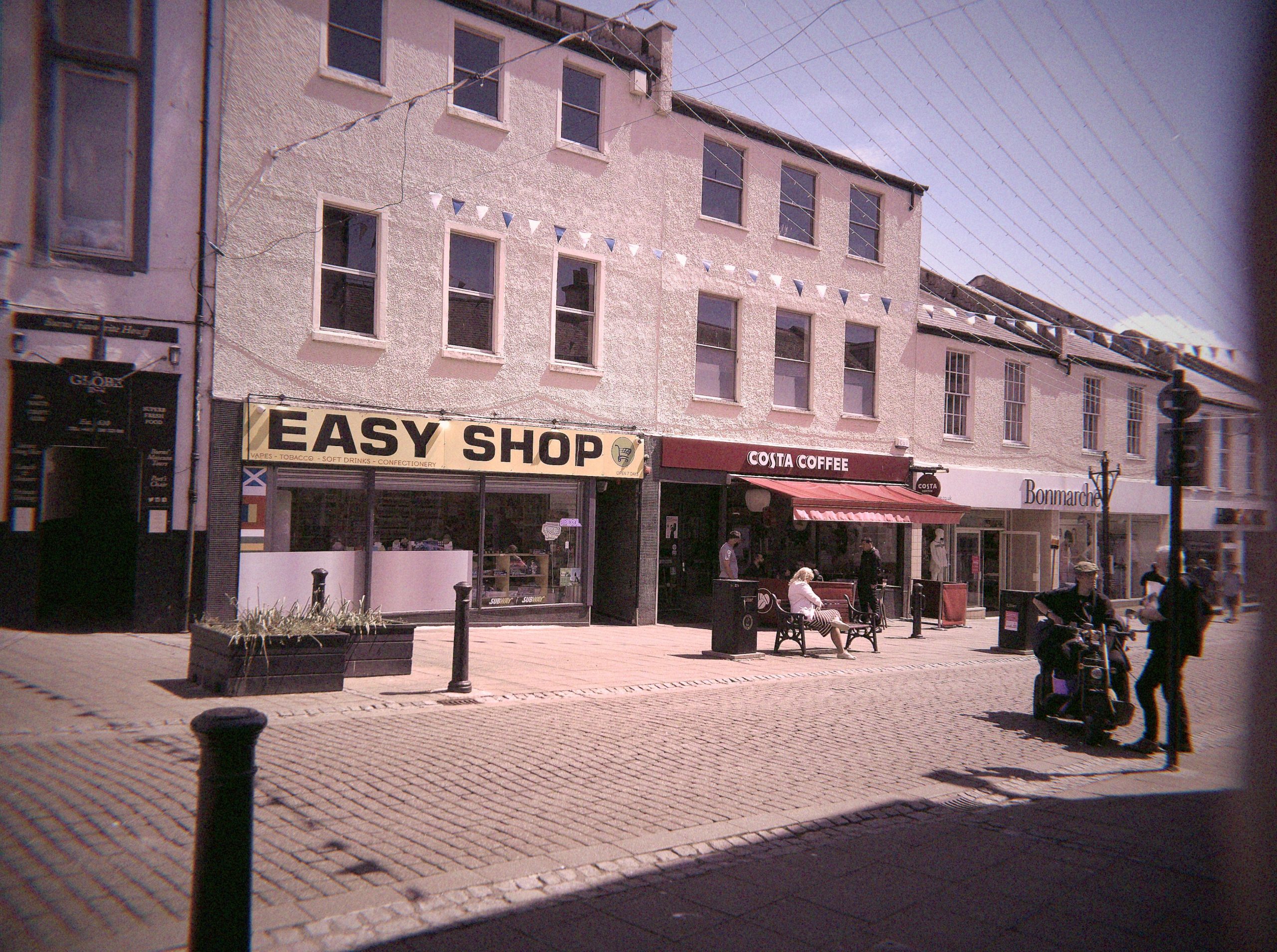
Just as with the V1 we’ve got centrally reasonably sharp images that fall off to the edges with some vignetting. This is most evident in lower light. There’s a small degree of barrel distortion too
-Image quality
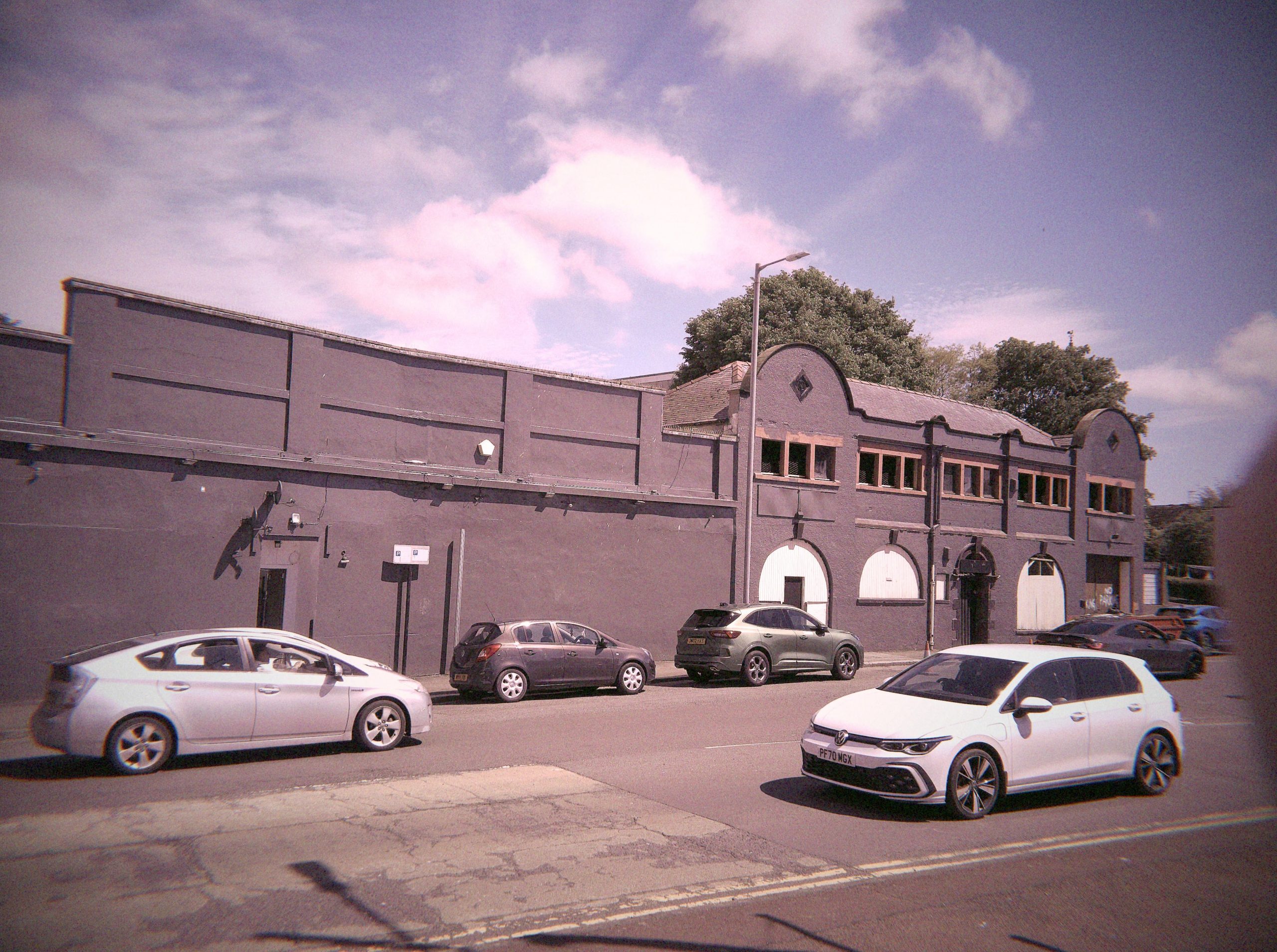
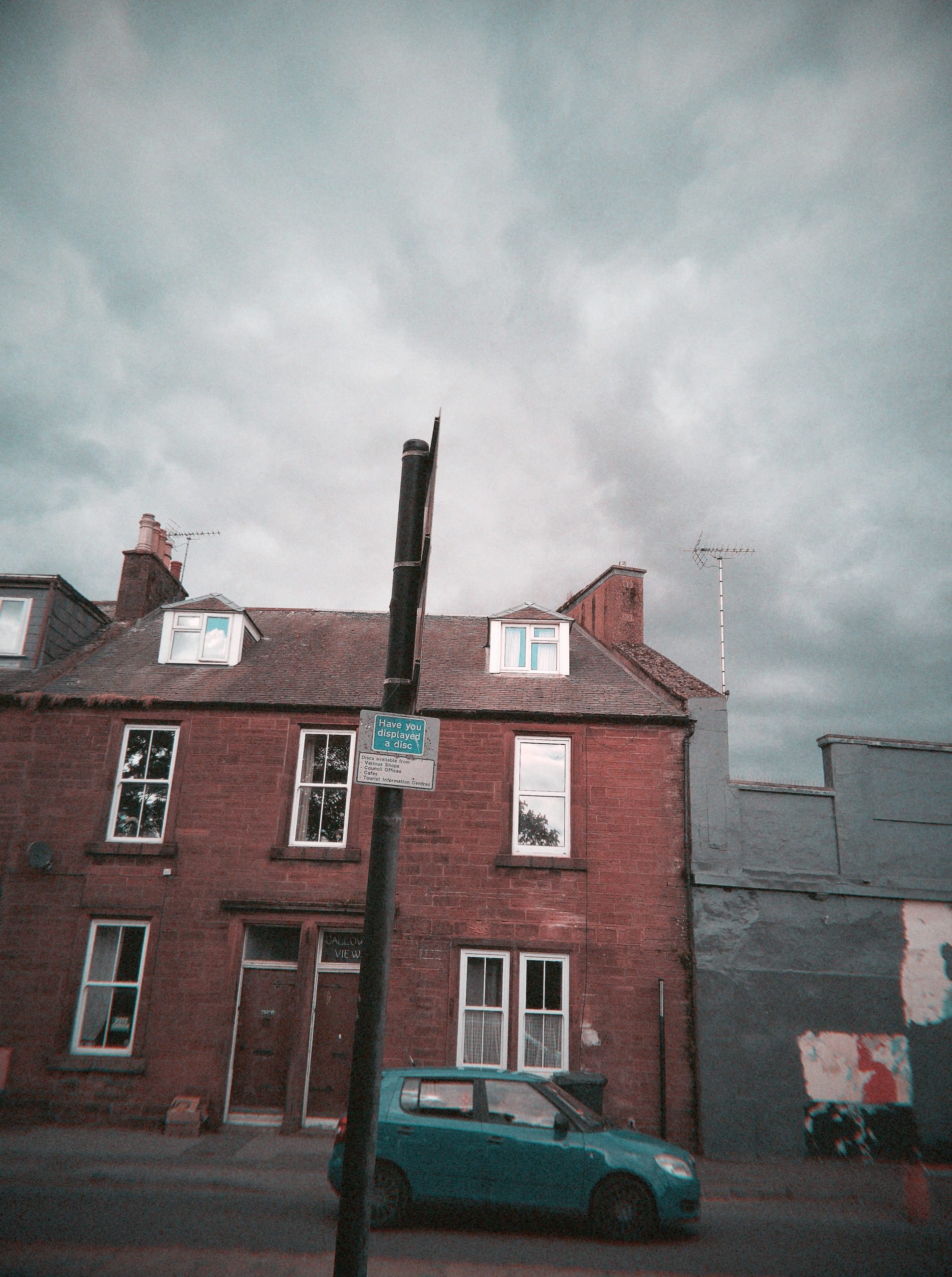
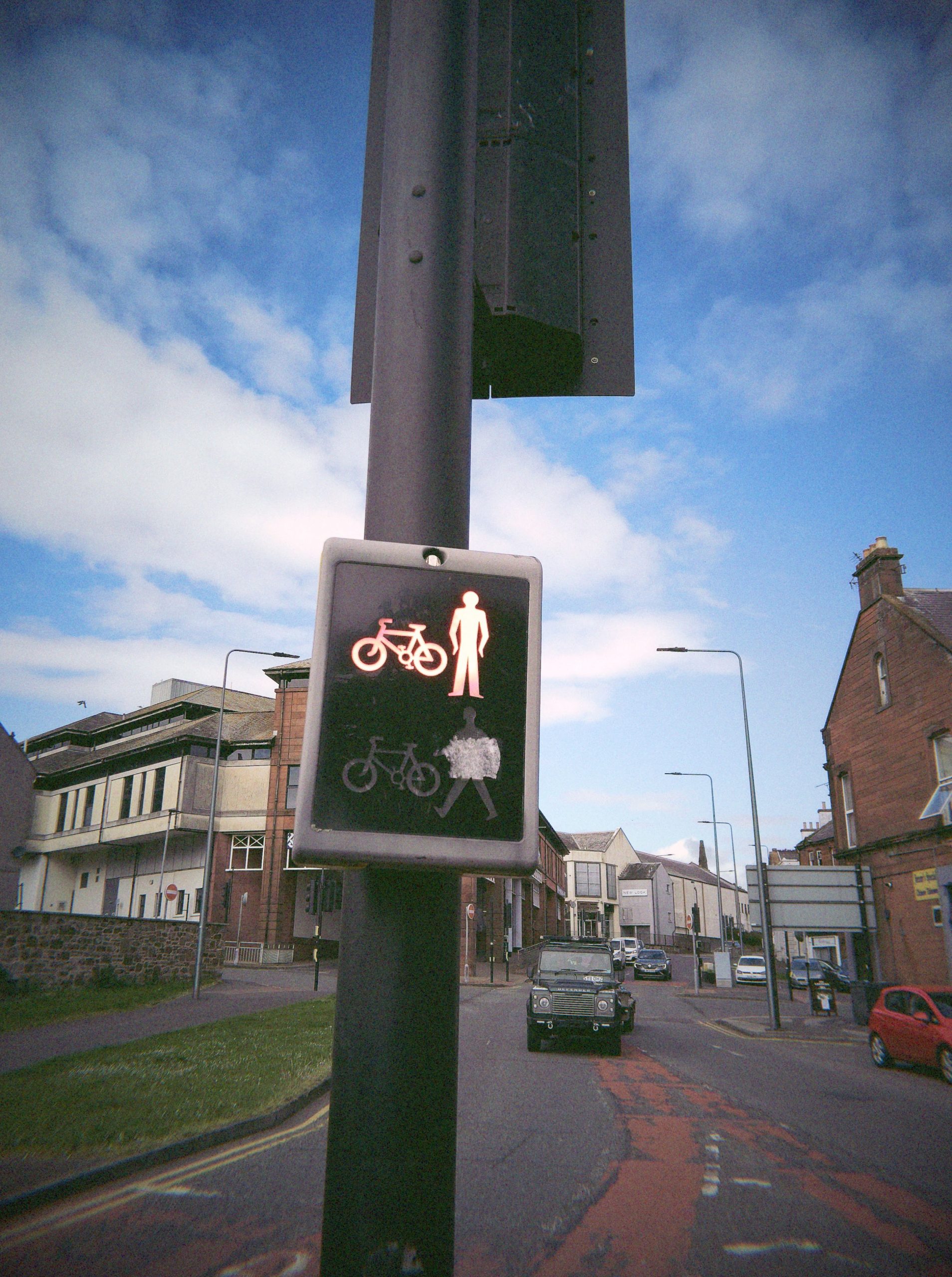
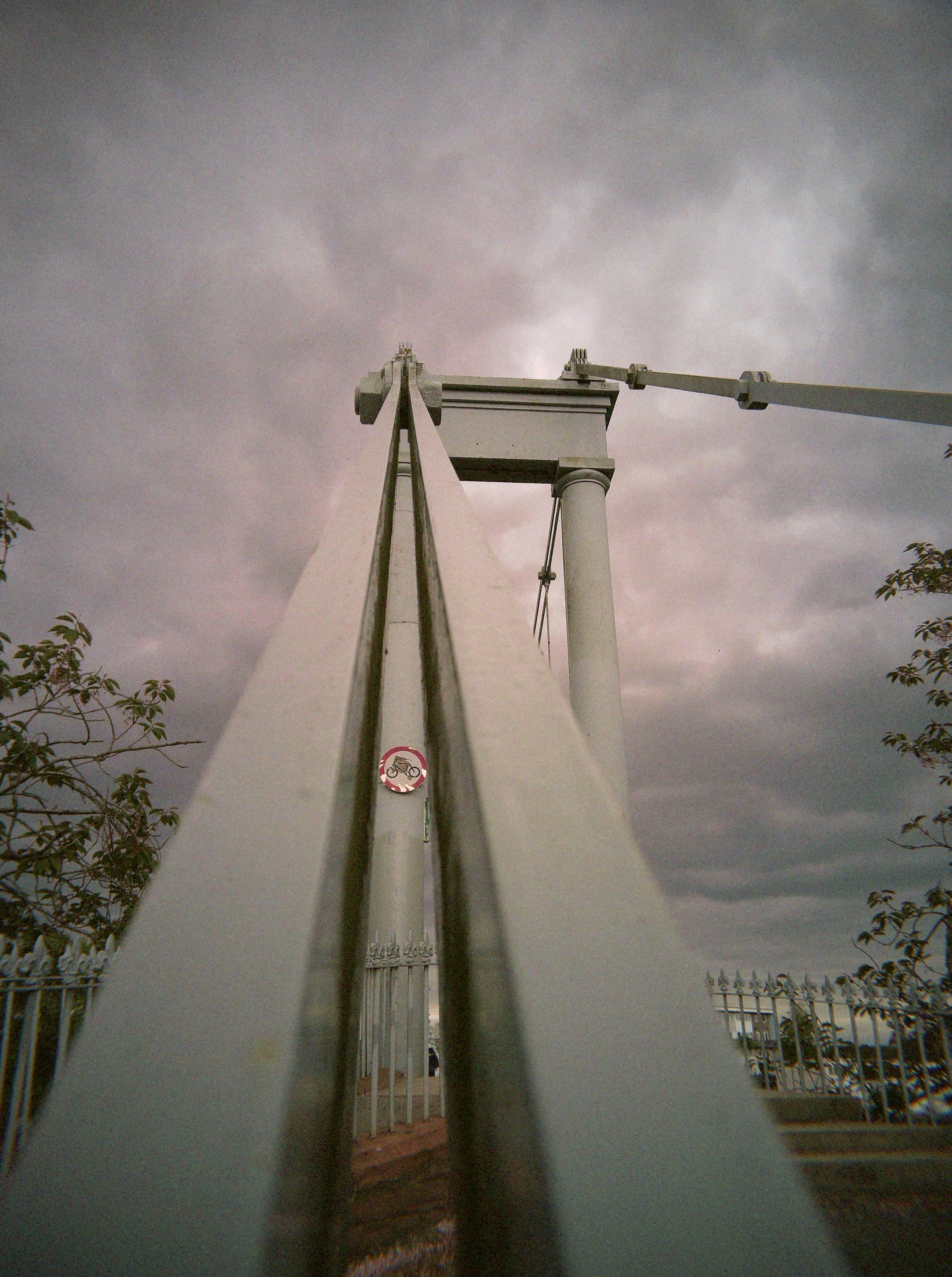
But lets take this shot
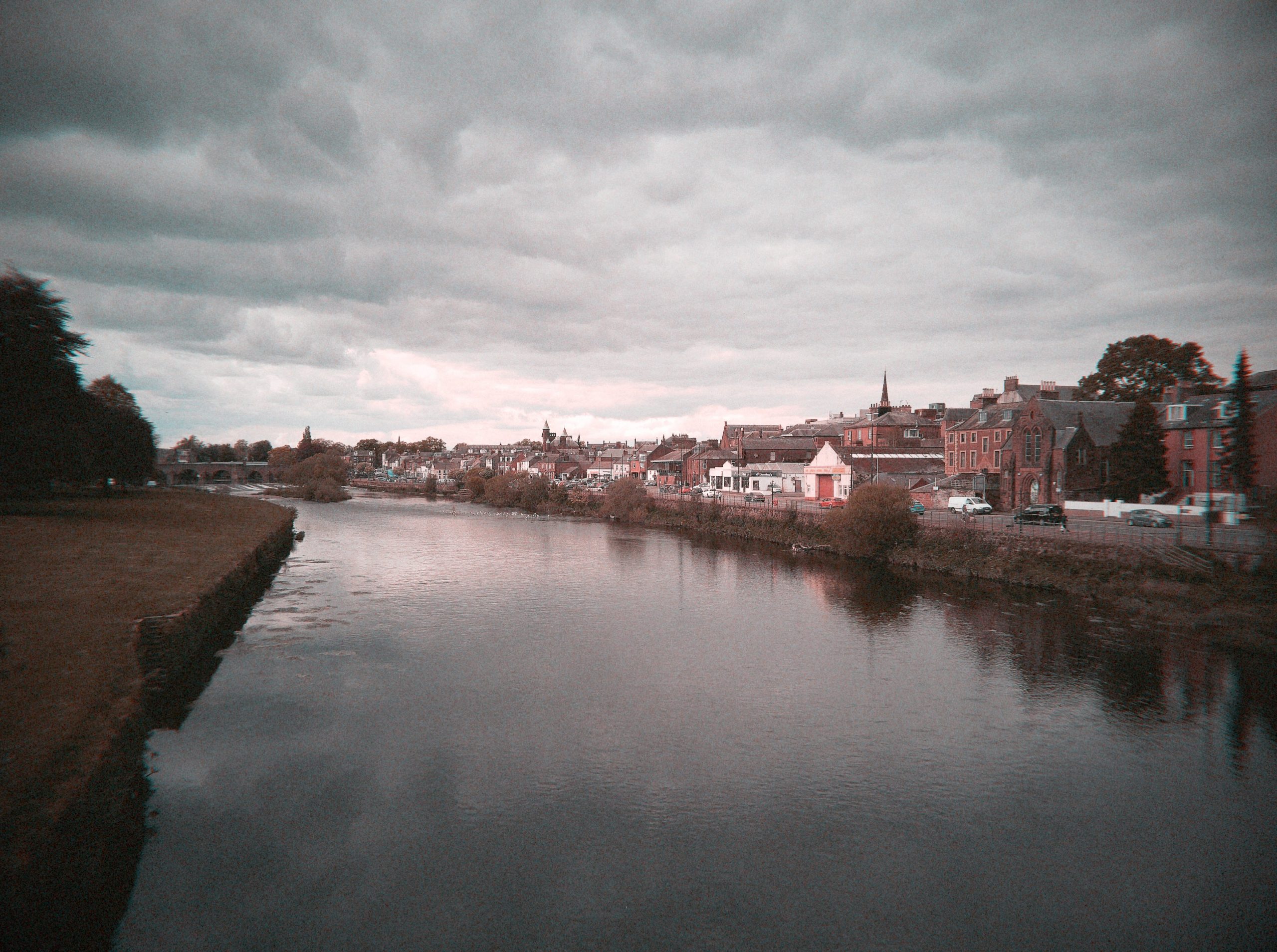
Centrally this is considerably sharper than the original V1 at a close crop
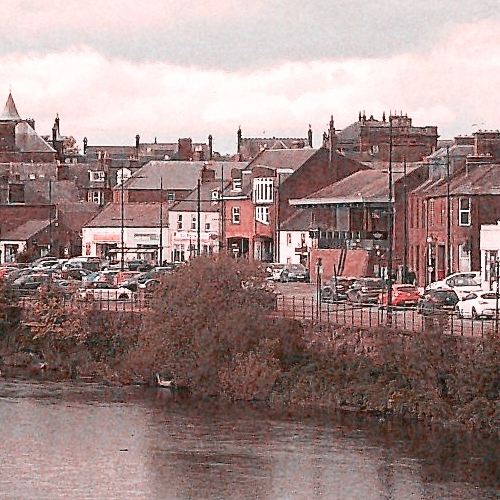
For comparison here’s a V1 image with a close crop
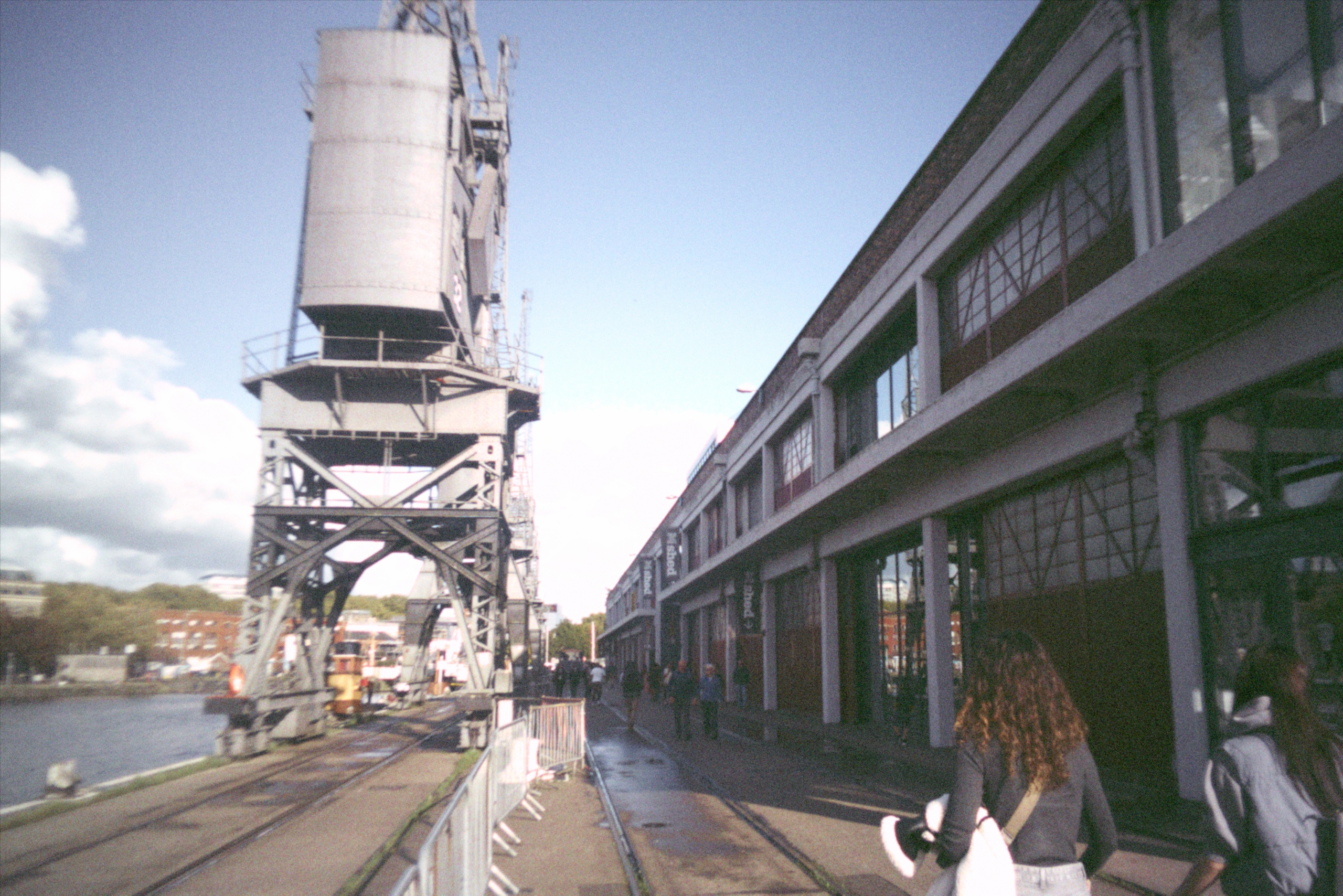
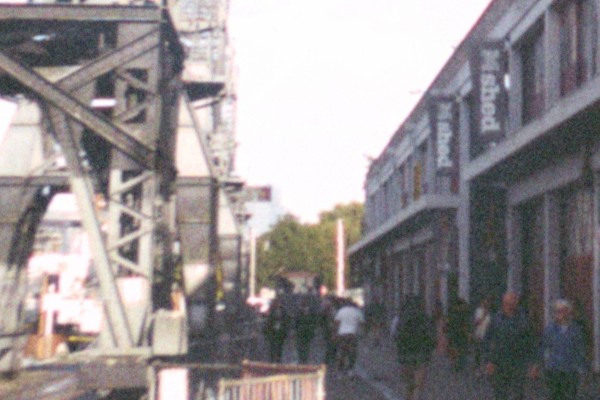
To the edges the V2 does start to become more noiser and blurrier. This Cine filter shows what looks like marked Chromatic aberration
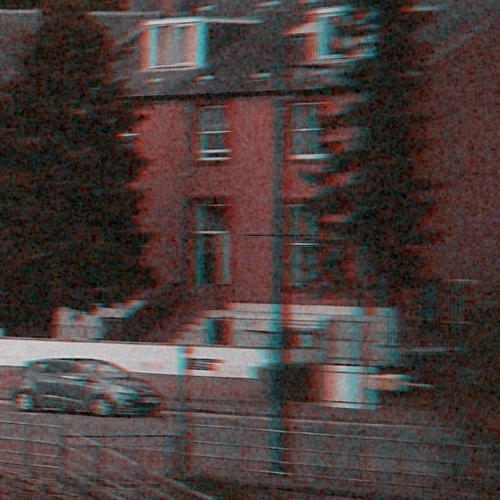
But it’s not as reprocessing the image with the Classic filter isn’t as marked.
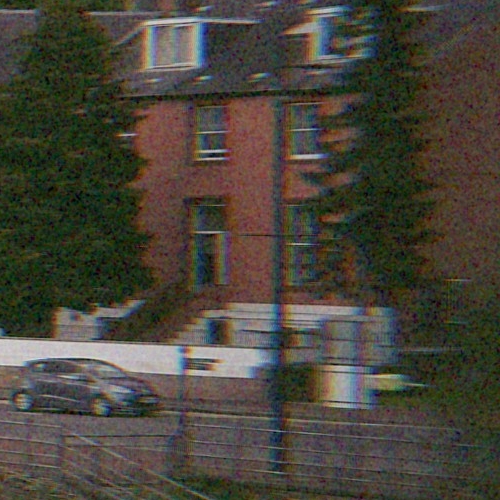
This is quite impressive different film effect.
The so called negative images are a lot cleaner. They look like a mobile phone shot or a entry level compact digital camera,. They don’t have any film like appearance Here’s the same shot as the negative unprocessed image.
And the crop of the right side looks like this. You can almost read the plate on the car
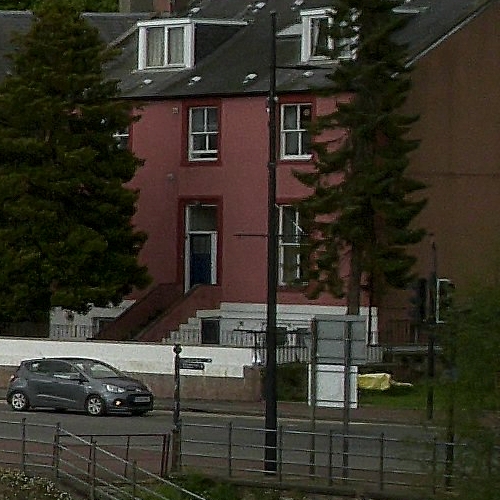
Flashback really have worked on the filters here. I did see some online criticism of the V2 in late 2025 that the filters weren’t marked but they do seem to have improved since then.
That said the images are different to the V1. They still feel film like but as others have pointed out not like a disposable. But now more like a cheap fixed focus compact from a known name
–Less disposable more like…
It’s hard to put a name on it but they feel like a slightly less wide VUWS/Reto UWS on a good day but with exposure control. The VUWS is the original too good for it lo-fi boots film camera, much sharper than it deserves to be.
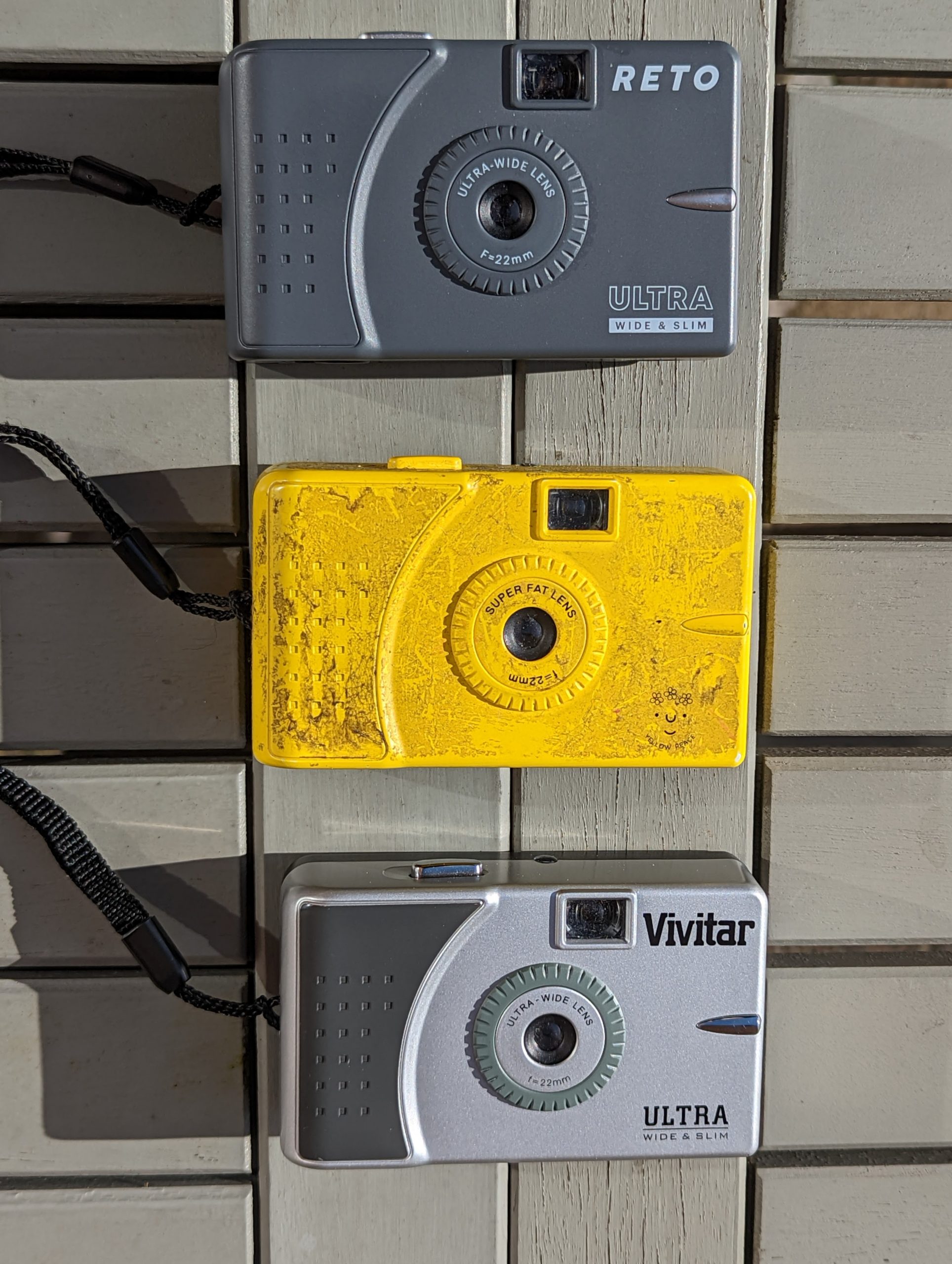
And I get that some may not like the fact the V2 has gone from soft disposable to that. But you can’t deny the film simulation is en pointe.
Andyou know I love my brick…

If you don’t like the cleaner images you could just hook the camera up to the PC and download the RAW files. And the weird thing is the camera effectively gives you 2 hidden modes here. Take this flash shot of our Lola.
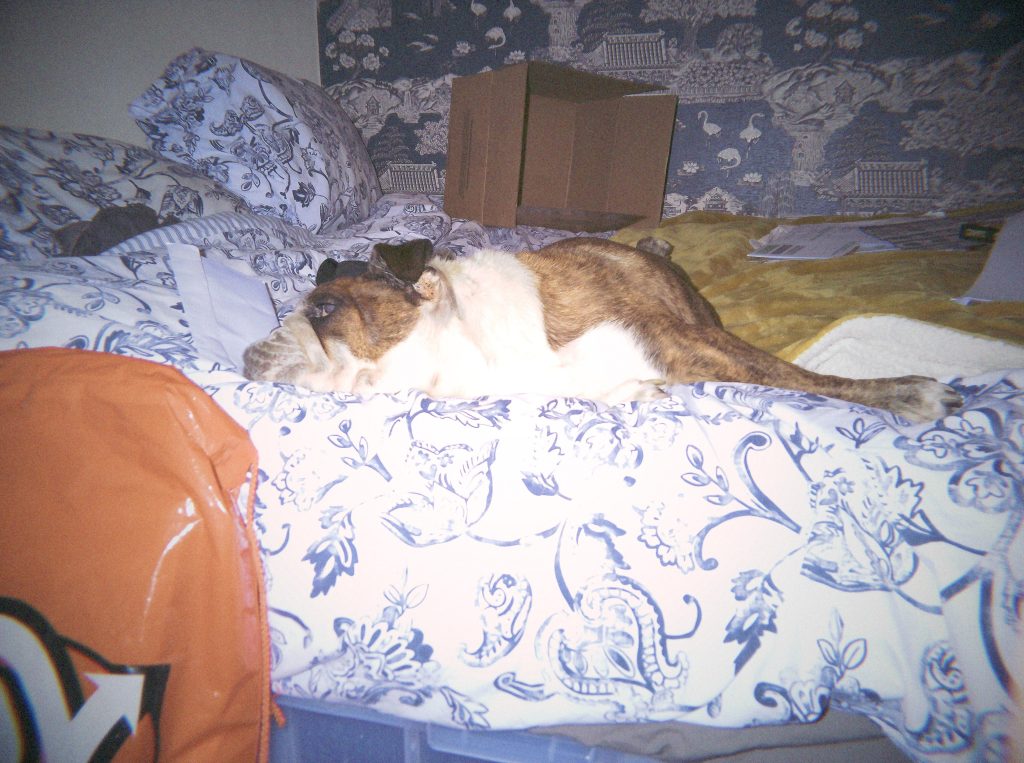

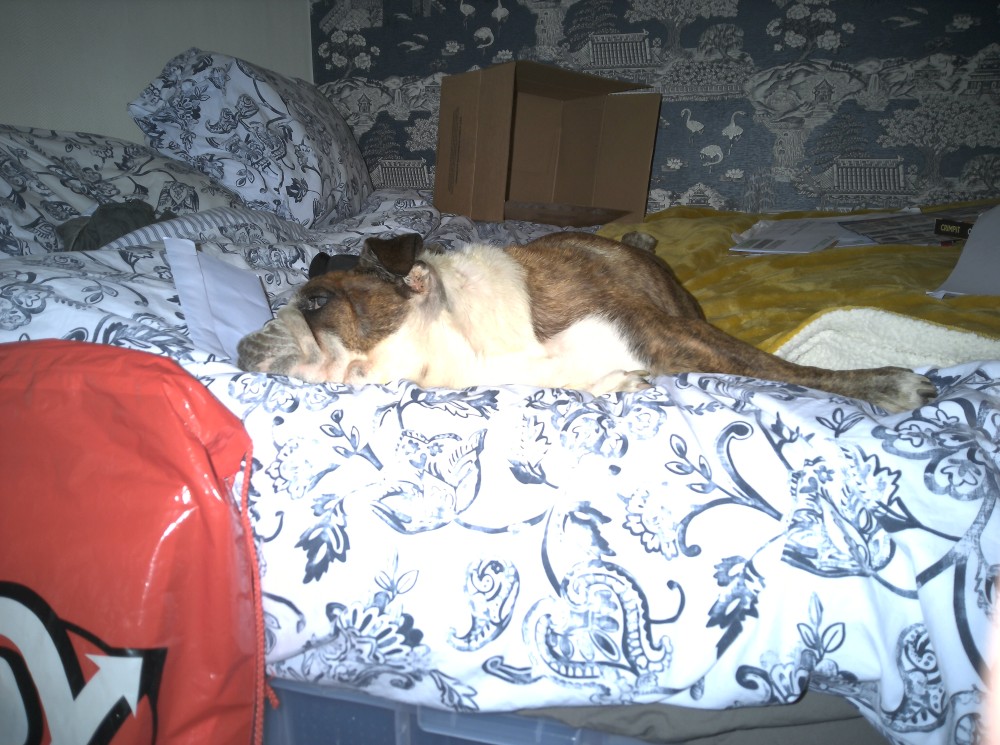
So we get the intended processed image. We can also get the RAW file if we direct connect our camera to phone or PC. They’re muddy and look like they’ve been underexposed on expired film. You need to do this before the camera is unloaded but…
Of course once you’ve uploaded your photos to the app you can also download the unfiltered “negatives” which look like a midrange mobile shot.
That’s 3 distinct looks before you start playing with the filter development option meaning you could if canny get the same photo in 8 different looks without editing off app.
-Exposure and Flash
Exposure control is broadly good for daylight shooting. Images do get nosier with lower light and higher ISO but this adds to the effect. It’s not as marked as the V1. again the film simulation intensifies the effect over what you see in the negatives
The Xenon flash is better than any of the LED flashes. It isn’t as powerful as the likes of the Echolens or Camp Snap Pro
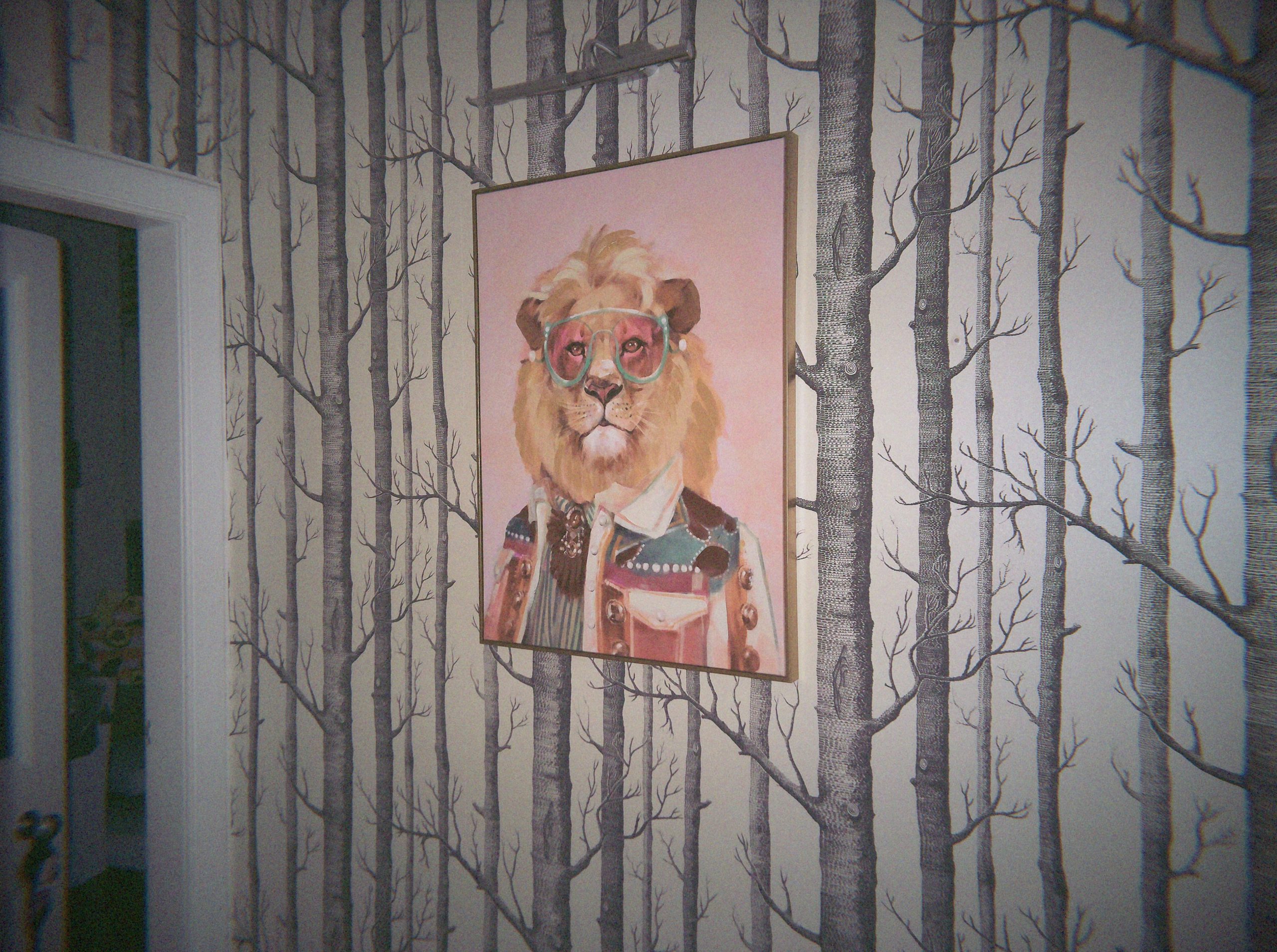

But this actually migh eb agood thing. It provides more a lo-fi feel to your flash shots in real life,
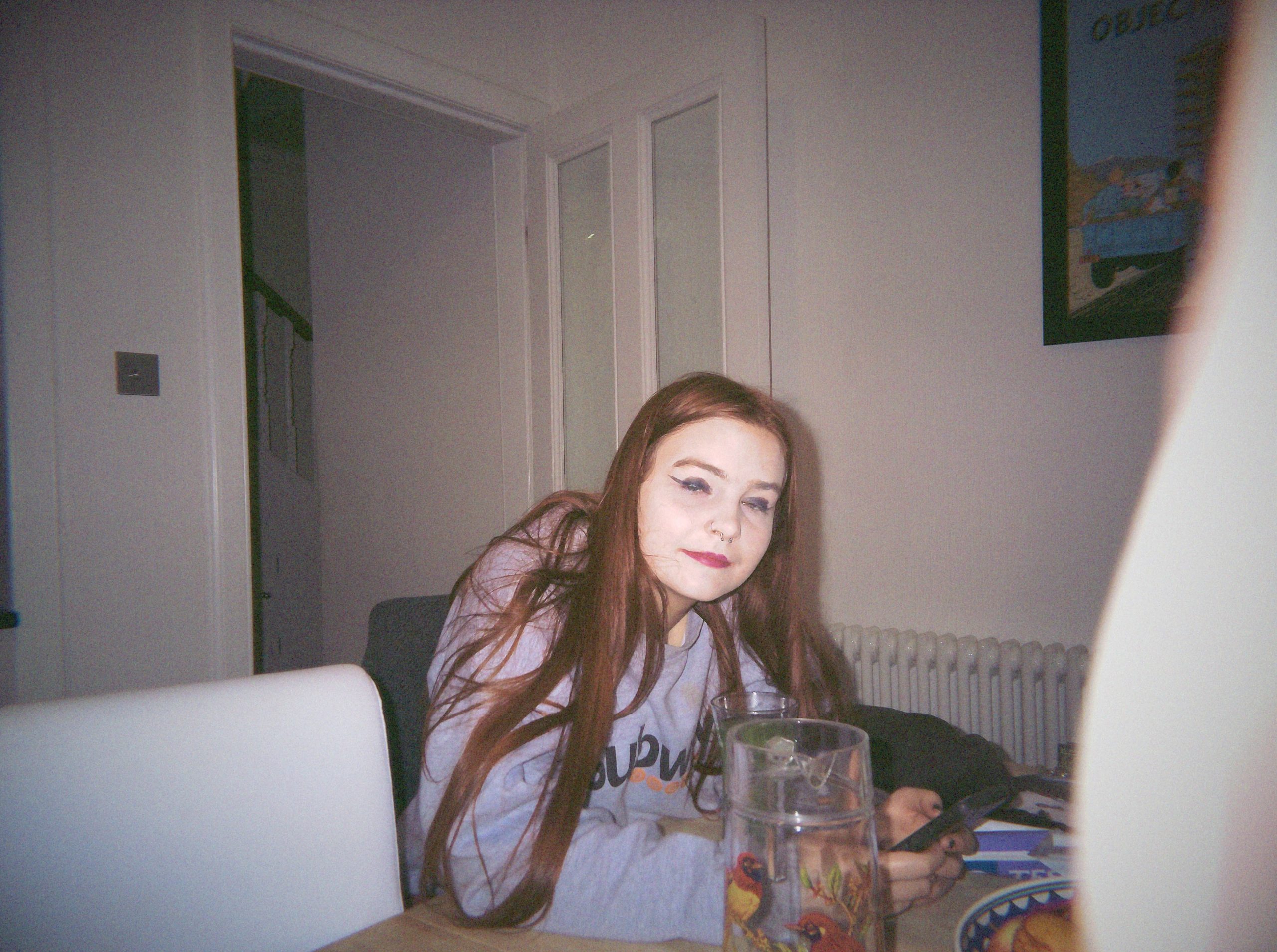
A side note about the development of the V2
What I got to test was a V2 quite on in it’s release. some reviews I list later date from 2025 and almost seem a different camera. Just as with the V1 there is a sense the camera had been rushed out a bit early. I’ve seen less issues with this camera than other reviewers. The filters seem better. Flashback should have learnt from the V1 release but thankfully the V2 is now ready.
Final Thoughts On the Flashback ONE35 V2
Flashback have followed if it ain’t broke don’t fix. The camera is fantastically well made for a sub £100 camera and puts the rest of the existing lo-fi digitals to shame in build quality. It looks completely unchanged with my only quibbles being the lens is slightly too close to the grip, the wind on to start being too long and the weird winder noise.
The app looks the same too but has been overhauled. The wait for photo is optional which is great for a reviewer like me. But other changes are more important. The filter range has expanded and Flashback still do the best filters in the business at the moment. This is striking when you can see the clean unfiltered “negatives” which you now can download from the app which look more like a standard mobile phone shot. The best bit is you can “reprocess ” your shots in another film style in app. This is an insanely overpowered feature and works with the older V1 as well
The final images are interesting The 12 MP sensor upgrade has split some user arguing that the images no longer have the cheap film disposable like quality. And arguably they’re right but then again I’m the sort of guy who would always buy a Kodak fun saver disposable as the image quality is much better than a no brand disposable. It still is incredibly film like. I’m remined of the lo-fi legend the VUWS or some of those cheap branded budget numbers like the Ricoh YF-20. The hidden ability to extract the RAW files which just converting gives a crap disposable feel is still there but It isn’t the V1
Personally i don’t mind. I own a V1 and whilst it’s fun, it isn’t my go to lo-Fi/ The V2 however scratches the itch better for me and it’s a brilliant niche itch. This is the only current screenless digital camera delivering a true cheap film camera experience.
Tellingly I’ve lent this camera to Peggy Marsh of CameraGoCamera fame but on the clear understanding I want it back…
Alternative & Costs: Flashback ONE35 V2
They’ve priced this keenly. At the time of typing it costs £84.95GBP (+£9.70 P&P) to get one sent to Blighty. And you get a free logo’d gift (baseball cap, lanyard or case – I’d go cap)

This makes in considerably cheaper than the godfather of screenless digitals. That’s the Paper Shoot and it’s Canuck clone the Cappy Camera. The Paper Shoot comes the closest in matching its filters and has history. In that same £110-130 market sits the Echolens. It has many similarities to the flashback and it has a fantastic customisable filter set up in app. But as flexible as the filters are they don’t deliver the film like experience they should.
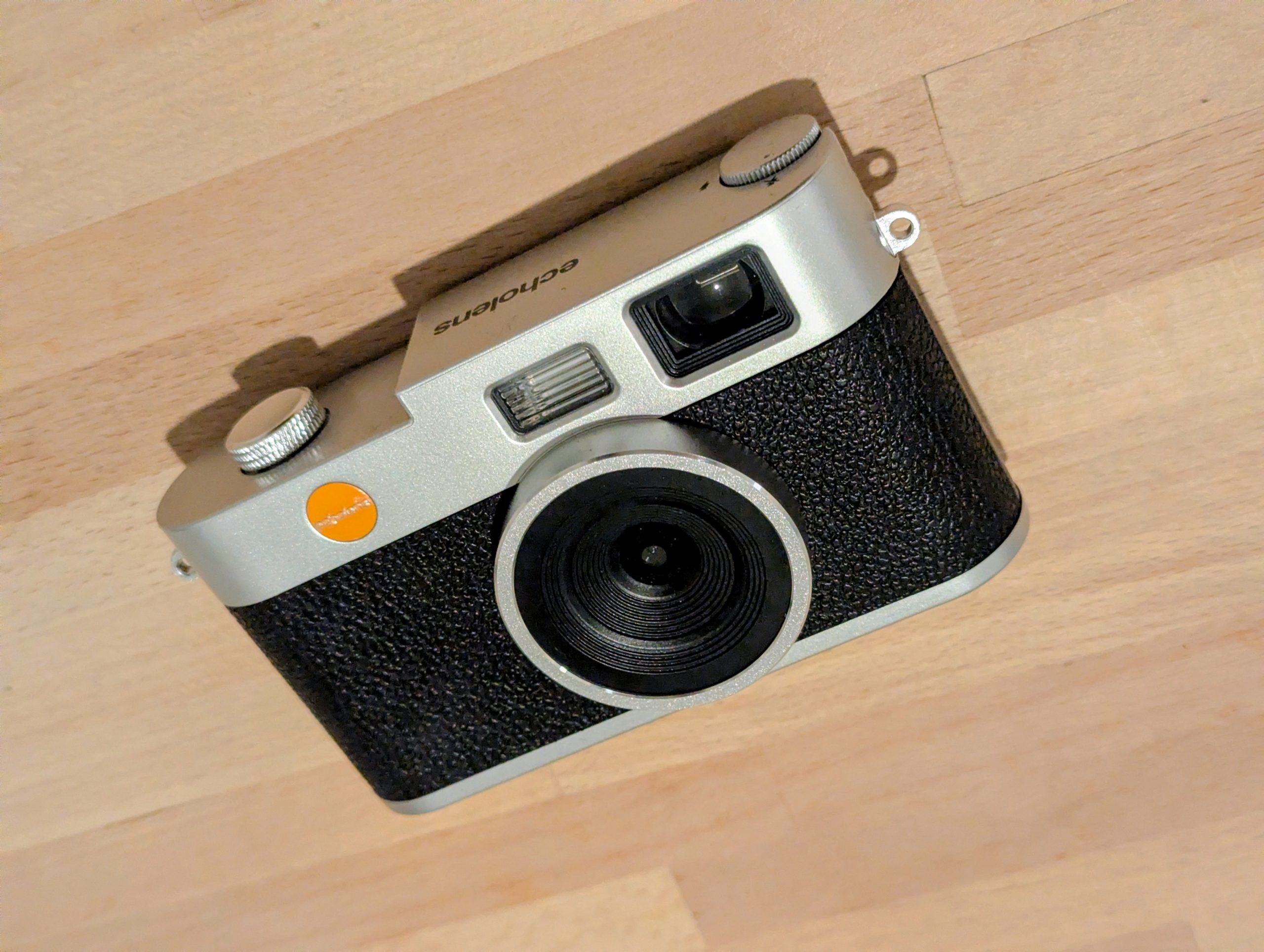
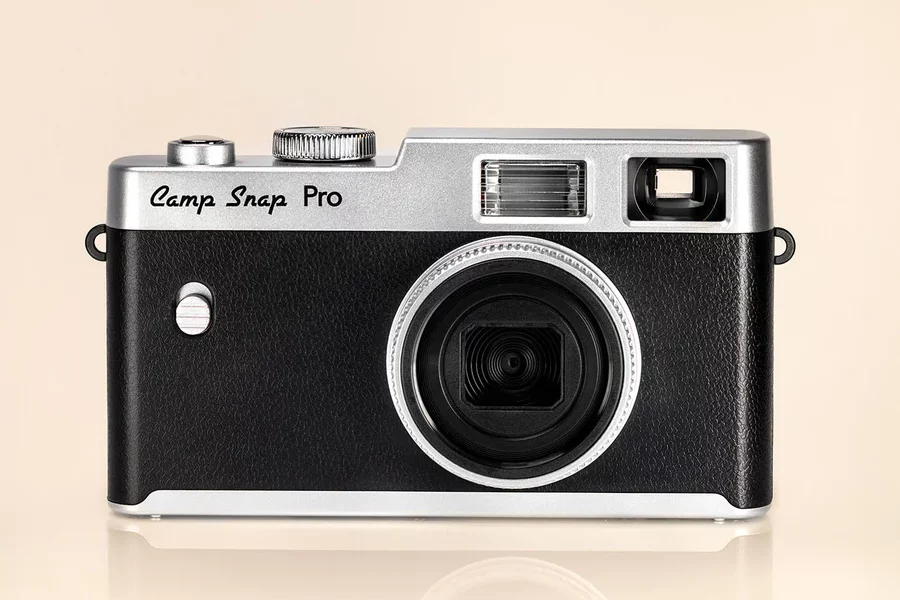
Below it cost wise sits the Camp Snap both standard and pro models. The latter you can buy on the British high street for about 50 quid at the moment. These are great lo-fi cameras but they don’t deliver true film feel images. The base model require PC updating to change it’s filter. The pro has a 4 filter selector dial. The company have a range of in house filters and an online filter creator
The stalking horse of all of these is the RewindPix (MSRP $169USD – I’d expect the same in GBP with postage and taxes). But here’s the thing their images so far look like good film simulations not truly film like. Now I might be being unfair but the Flashback is delivering lo-fi film like looks for half the price.
Links and other stuff
Flashback’s site can be found here. In terms of reviews there’s been a few but most seem to have tested much earlier meaning my experience was probably more smoothed out and I had 6 rather than the 4 or even just 3 filters to play with. Amateur Photographer really liked this and looks like they got this around the same time I did. . PC Mag liked the camera but had some issues most of which I didn’t have (it sounds like older version of app was issue). One Camera One lens Photography had a better experience but again seemed to have been revieing the older app version as they only had 4 filters. Over on the ‘tube Swan Dallas was quite critical but again if you read his own comments it does look teething issues which have been to some extent sorted in in his opinion.
My review on onecameraonelens was updated quite a while ago. Thanks for linking to me, great review yourself.
Your reviews on the various options of lo-fi/film simulation cameras are by far some of the best out there! I’m looking to get one for a trip for some fun to supplement the usual phone photos and videos. I’m interested to see what you think about the RewindPix, some reviews seem to like it (aside from gripes about the loud spring loaded shutter noise and some apparent focus issues) but it is still a brand new kickstarter project that will likely need its own “Flackback V2” to iron out the kinks.